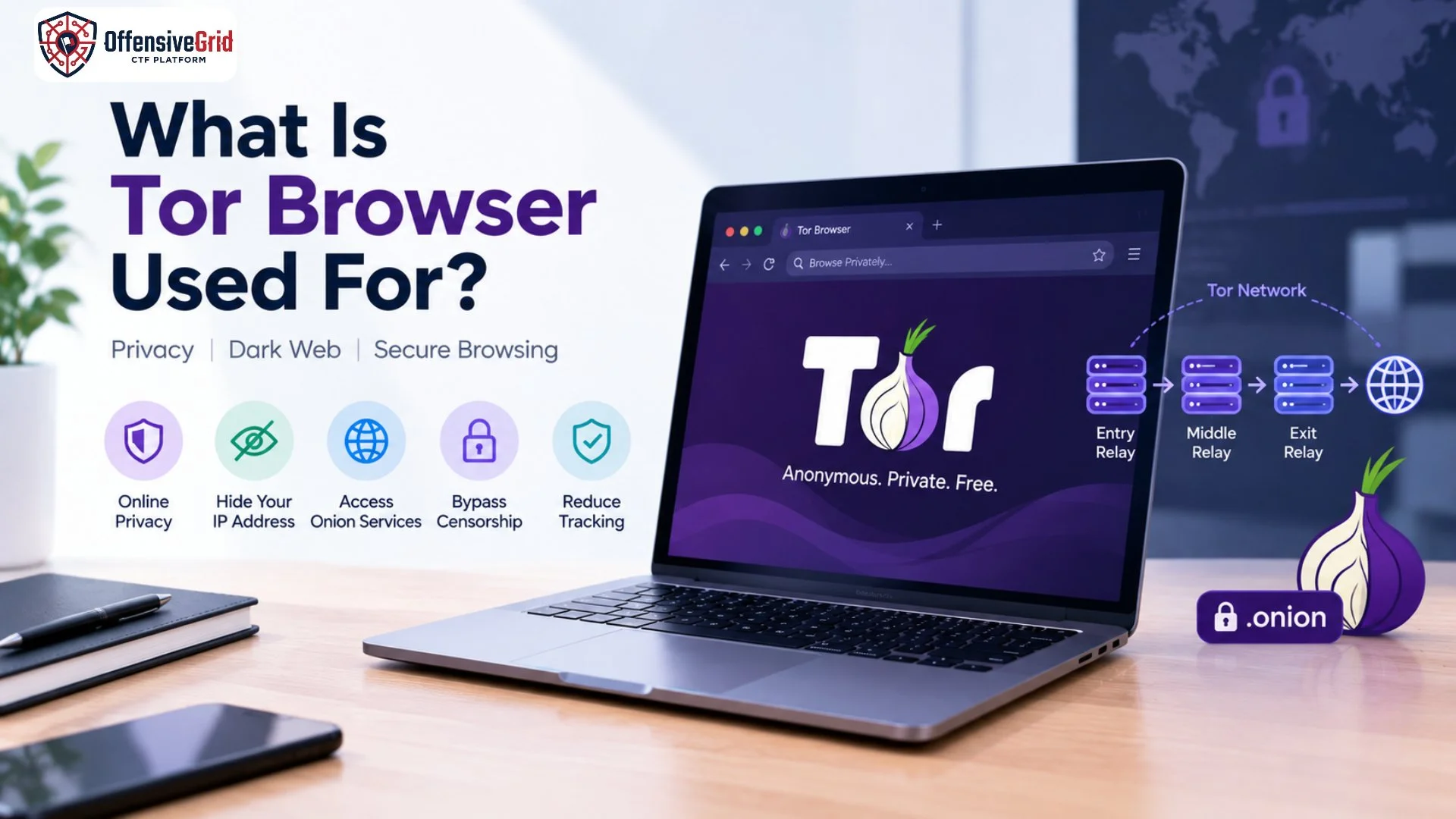
The internet offers many ways to browse websites, but not every browser provides the same level of privacy. What is Tor Browser used for? Tor Browser is a privacy-focused web browser that helps users reduce online tracking, hide their IP address from websites, access onion services, and browse the internet with greater privacy.
Tor Browser is also associated with the dark web because it allows users to access websites with .onion addresses. However, it has many legitimate uses, including privacy protection, research, journalism, and accessing information where internet censorship exists. Understanding how it works, its benefits, and its limitations can help you use it responsibly.
What Is Tor Browser?
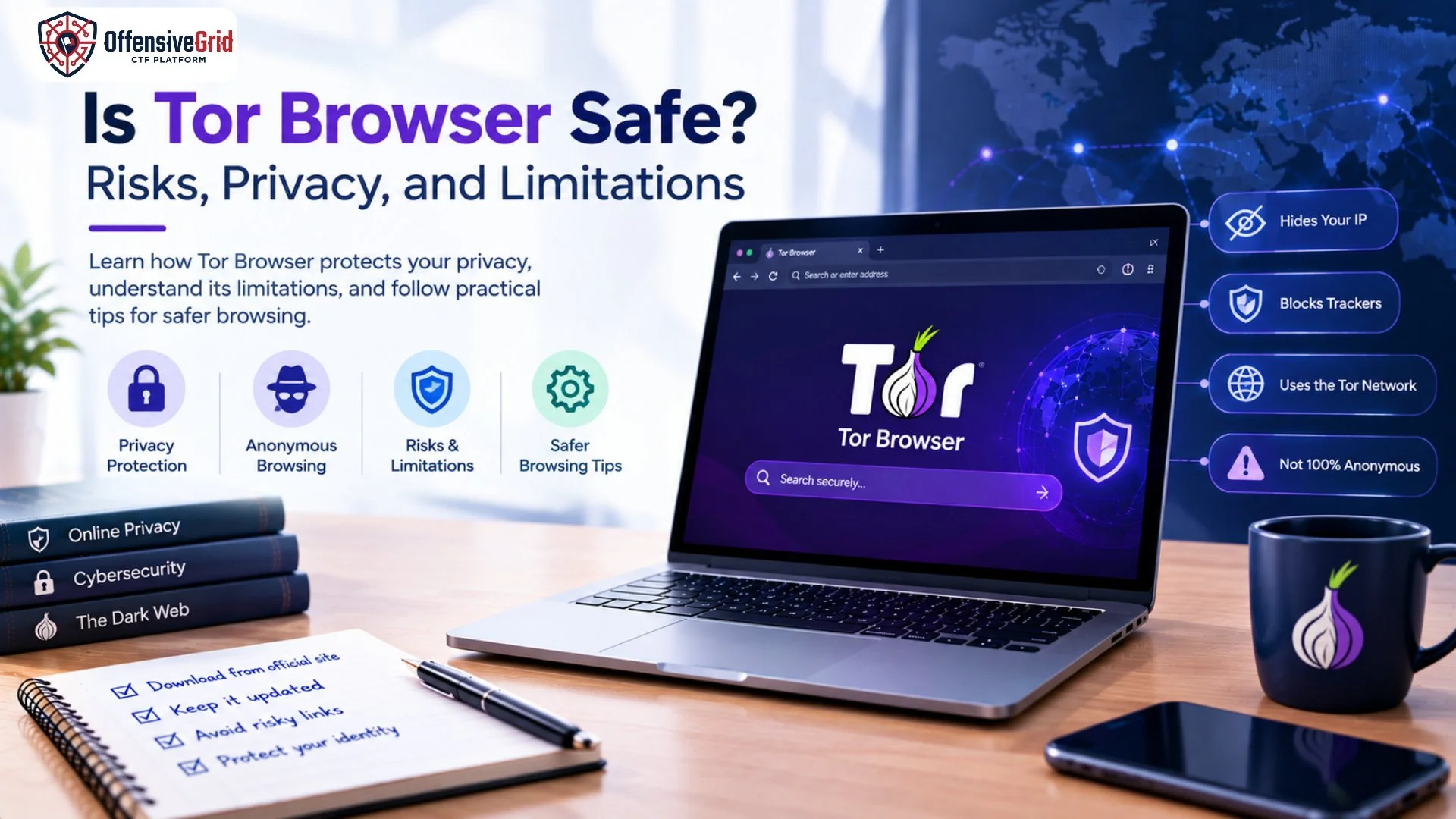
Tor Browser is a free, open-source browser based on Mozilla Firefox ESR and developed for privacy-focused internet access. It routes web traffic through the Tor network, which uses multiple volunteer-operated relays to make it harder to connect a user’s identity with their browsing activity. Unlike a standard browser, Tor Browser includes protections against tracking and browser fingerprinting. It also limits the amount of browsing information retained after a session. Tor Browser does not make every online activity completely anonymous, but it can improve privacy when used correctly.
What Is Tor Browser Used For?
Tor Browser has several important uses beyond accessing the dark web.
1. Protecting Online Privacy
One of the primary uses of Tor Browser is reducing the amount of information websites and local network observers can learn about your browsing. When you visit a website through Tor, the website generally sees the IP address of a Tor exit relay rather than your original public IP address. This makes it more difficult for websites to determine your actual network location. Tor Browser can be useful for people who want to reduce tracking while researching sensitive topics, reading online resources, or browsing websites without directly exposing their usual IP address.
2. Accessing the Dark Web
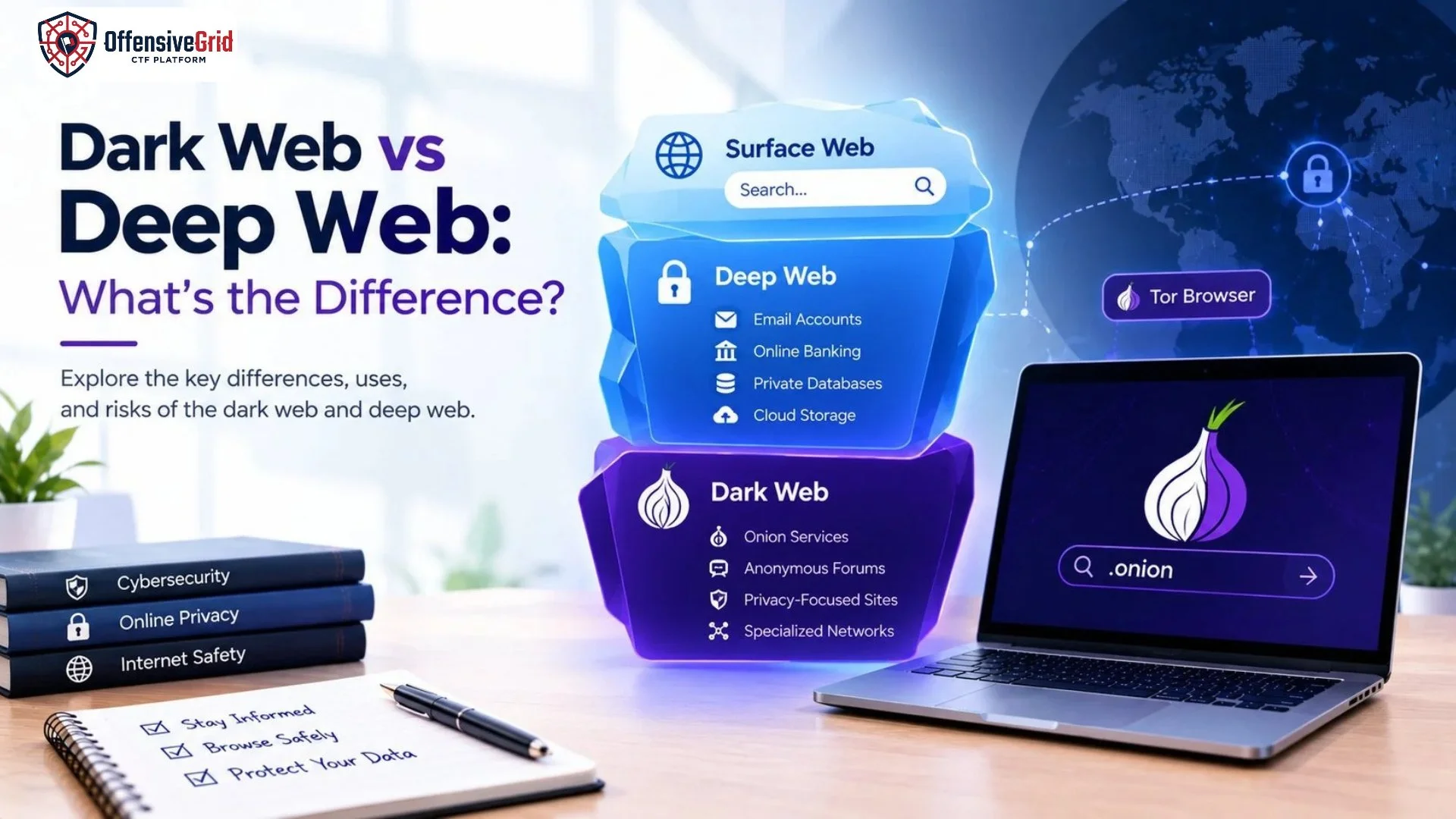
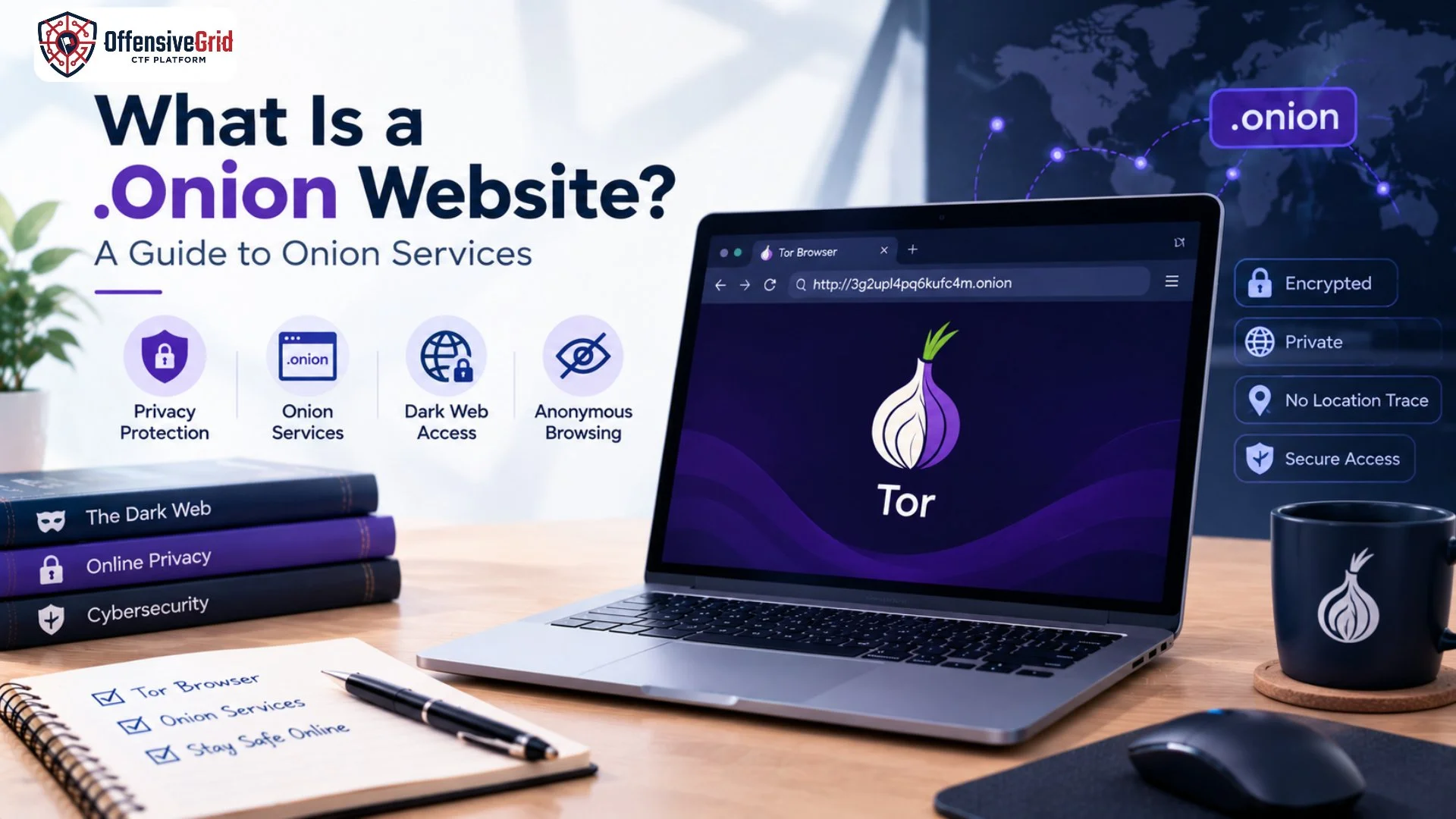
Tor Browser is widely used to access the dark web, a portion of the internet that is not generally accessible through ordinary web browsers and search engines. Some dark web websites use special .onion addresses that are accessible through the Tor network. These are known as onion services. Legitimate onion services can support private communication, secure information sharing, journalism, and access to services designed for privacy. However, the dark web also contains scams, malicious downloads, and illegal marketplaces. Users should be careful about which websites they visit.
3. Bypassing Internet Censorship
Tor Browser can help people access websites and online resources that may be blocked or restricted by their network or location. Journalists, researchers, students, and ordinary internet users may use Tor to access information when traditional connections are restricted. In some environments, direct Tor connections may also be blocked. Tor supports alternative connection methods, including bridges and pluggable transports, to help users connect in certain censored networks.
4. Reducing Online Tracking
Websites can track visitors through IP addresses, cookies, and browser characteristics. Tor Browser includes privacy protections intended to make tracking and browser fingerprinting more difficult. It also uses session-based cookie handling by default, helping reduce persistent browsing information after the browser closes. However, signing in to a personal account or sharing identifying information can still reveal your identity to that service. Tor Browser does not prevent every form of tracking.
5. Supporting Journalism and Security Research
Tor can help journalists communicate with sources, researchers investigate online threats, and cybersecurity professionals study publicly accessible websites while reducing direct exposure of their usual IP address. For example, a researcher may use Tor to examine public information about online scams or understand how privacy-focused services operate. Tor Browser is a privacy tool, not a substitute for authorization. Security professionals must still follow applicable laws, research ethics, and the rules of any system they investigate.
How Does Tor Browser Work?
Tor Browser sends internet traffic through a circuit of multiple Tor relays rather than connecting directly to a website.
The process generally works as follows:
- Entry relay: Connects your browser to the Tor network and can see your IP address, but does not ordinarily know the final website.
- Middle relay: Forwards traffic through the circuit without normally knowing both the user’s identity and final destination.
- Exit relay: Sends traffic from the Tor network to the destination website when visiting a regular website.
Tor uses layers of encryption within its network to help separate knowledge of the user’s identity from the destination being accessed. For ordinary websites, HTTPS remains important because the exit relay may be able to observe unencrypted traffic leaving the Tor network. Using HTTPS helps protect the information exchanged between your browser and the destination website.
Is Tor Browser Safe to Use?
Tor Browser can improve online privacy, but it is not a guarantee of complete anonymity or security. Its safety depends partly on how you use it, the websites you visit, and the information you disclose.
Common Risks to Understand
- Malicious websites: Some websites distribute malware or attempt to steal personal information.
- Phishing attacks: Fake login pages can trick users into revealing passwords.
- Identity exposure: Signing into personal accounts can identify you even when using Tor.
- Unsafe downloads: Documents opened in external applications may make connections outside Tor.
- Traffic correlation: A powerful observer monitoring traffic at different points may sometimes correlate activity.
The Tor Project recommends avoiding additional browser plugins, using HTTPS, and taking care with downloaded documents. It also advises against using BitTorrent over Tor because it can expose identifying information and create privacy risks.
Tor Browser vs. Incognito Mode
Tor Browser and incognito mode serve different purposes.
| Feature | Tor Browser | Incognito Mode |
| Hides your usual IP from websites | Generally, through Tor | No |
| Routes traffic through Tor | Yes | No |
| Reduces browser fingerprinting | Built-in protections | Limited protection |
| Clears local browsing history when the session closes | Yes, by default | Usually |
| Accesses .onion websites | Yes | No, not by itself |
Incognito mode mainly limits the browsing data saved locally after a private session. It does not provide the same network privacy protections as Tor Browser.
How to Use Tor Browser More Safely
Follow these practical guidelines when using Tor Browser:
- Download Tor Browser from the official Tor Project website.
- Keep the browser updated to receive security fixes.
- Avoid installing additional extensions that may weaken privacy protections.
- Check that sensitive websites use HTTPS.
- Avoid entering personal information when anonymity matters.
- Do not open suspicious downloads or documents in external applications while connected.
- Avoid unknown websites offering suspicious downloads, financial deals, or illegal services.
- Remember that Tor protects only traffic routed through the Tor network; it does not automatically protect every application on your device.
For additional cybersecurity knowledge, explore our guide to Penetration Testing Tools, which explains tools used in authorized security testing and vulnerability assessment.
Can Tor Browser Be Used for Cybersecurity Research?
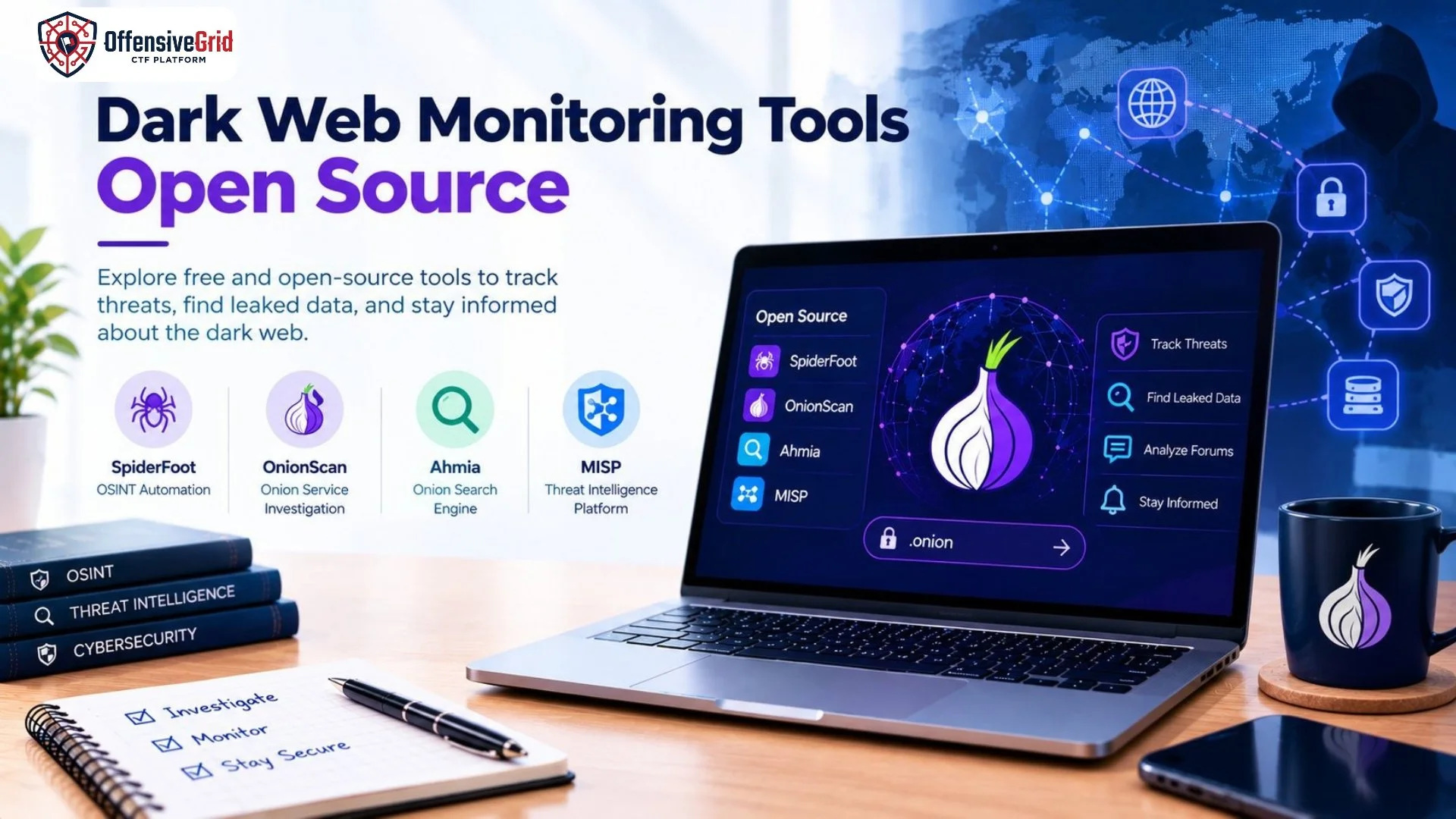
Yes. Tor Browser can support privacy-conscious research, threat intelligence collection, and the study of publicly accessible online services. For example, researchers may examine public websites, investigate scam-related information, or study how onion services work without directly exposing their usual IP address to every destination.
Those researching web applications can also learn about application structure and security testing by learning how to find hidden endpoints in web applications. Any testing of systems should be conducted with appropriate permission.
Frequently Asked Questions
Is Tor Browser illegal?
Tor Browser is a legitimate privacy tool. Its legal status and the rules governing its use can vary by jurisdiction. Users should understand and follow local laws.
Does Tor Browser hide my IP address?
When properly connected, Tor generally makes websites see a Tor exit relay’s IP address instead of your usual public IP. However, mistakes, account logins, unsafe downloads, and other behaviors can expose identifying information.
Can I access the dark web using Tor Browser?
Yes. Tor Browser can access compatible .onion websites as well as ordinary websites. You still need to verify website addresses and avoid suspicious services.
Is Tor Browser better than a VPN?
They serve different purposes. Tor routes browser traffic through multiple relays and provides anti-fingerprinting protections, while a VPN typically routes traffic through a VPN provider’s servers. Neither guarantees complete anonymity, and the best choice depends on your privacy needs.
Does Tor Browser make me completely anonymous?
No. Tor improves privacy, but it cannot eliminate all risks, including identity disclosure, malicious downloads, or sophisticated traffic-correlation attacks.
Conclusion
Understanding what Tor Browser is used for helps separate its legitimate privacy benefits from common misconceptions about the dark web. It can reduce online tracking, hide your usual IP address from websites, help access onion services, and support research where internet access is restricted. However, Tor Browser is not a guarantee of complete anonymity or protection from malware. Download it from the official Tor Project website, keep it updated, use HTTPS, and avoid sharing identifying information when privacy matters.