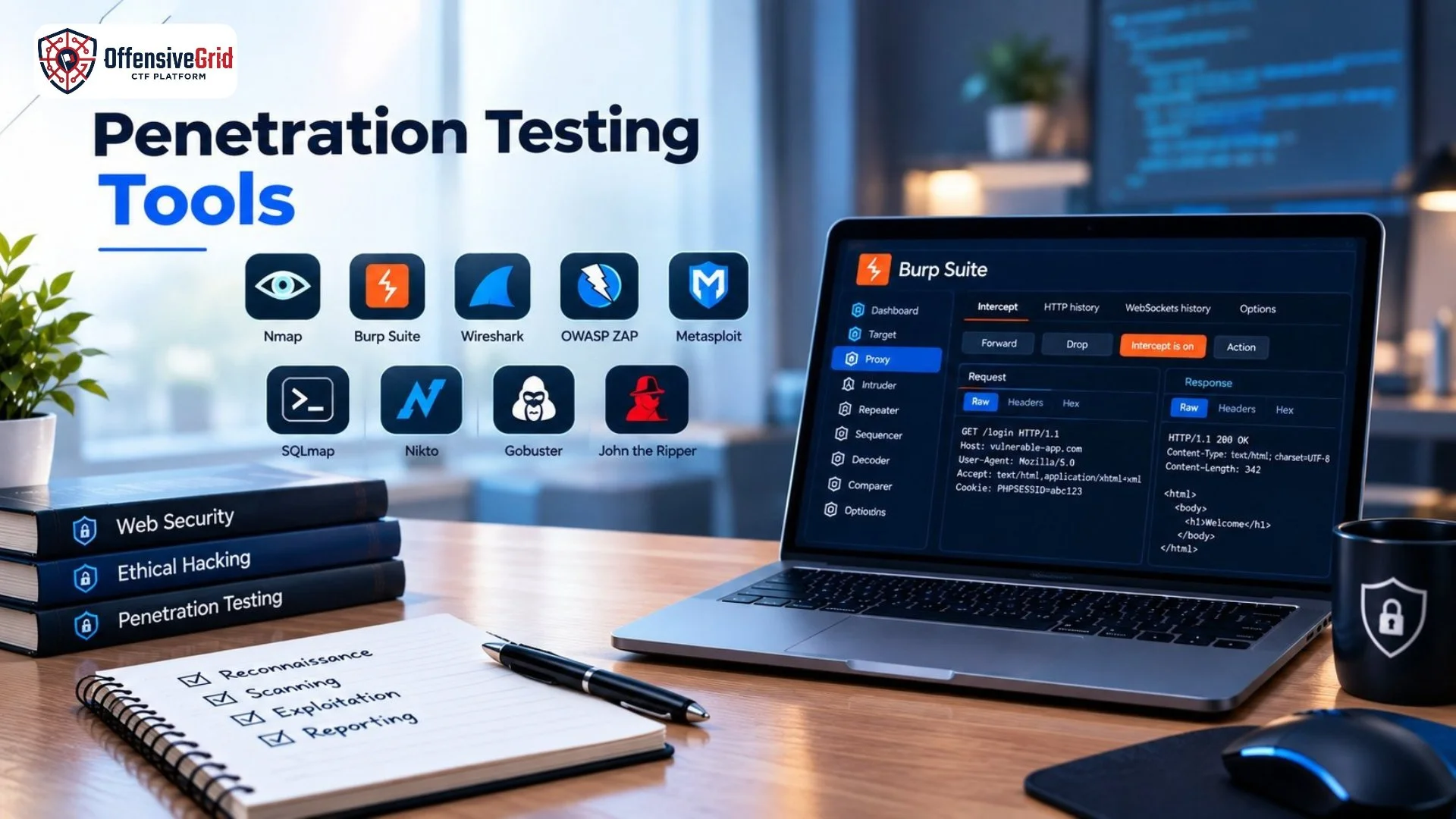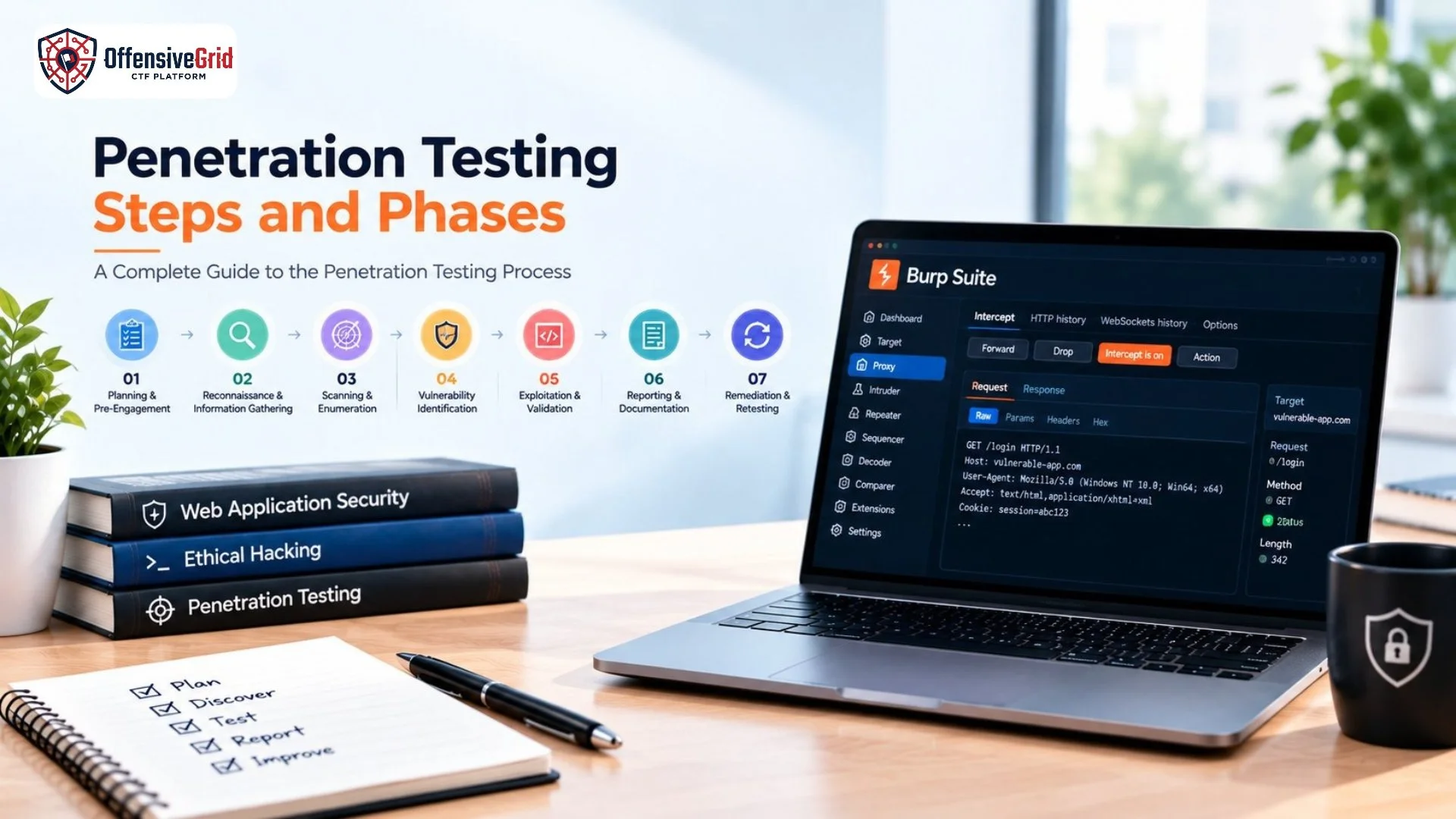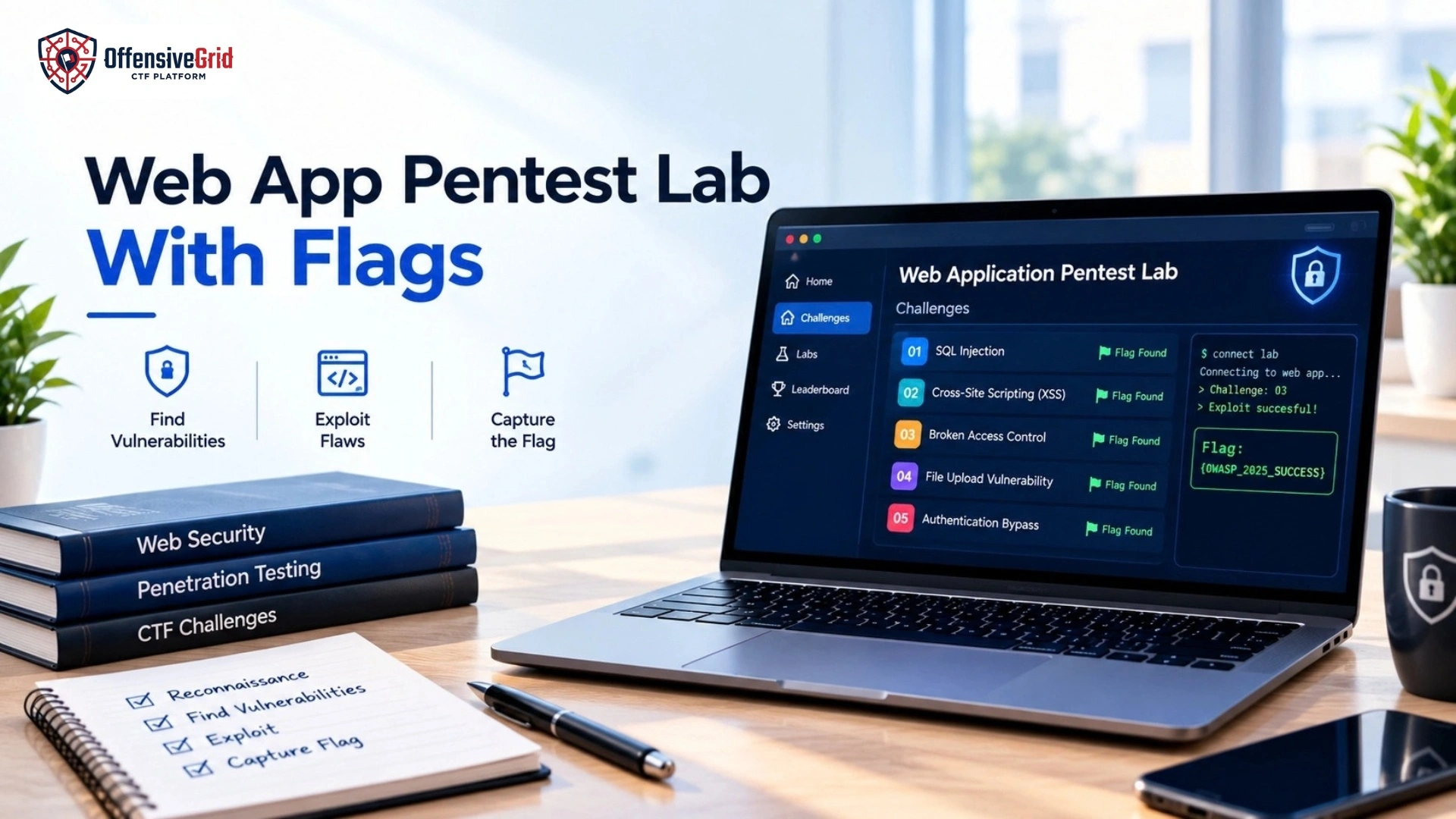
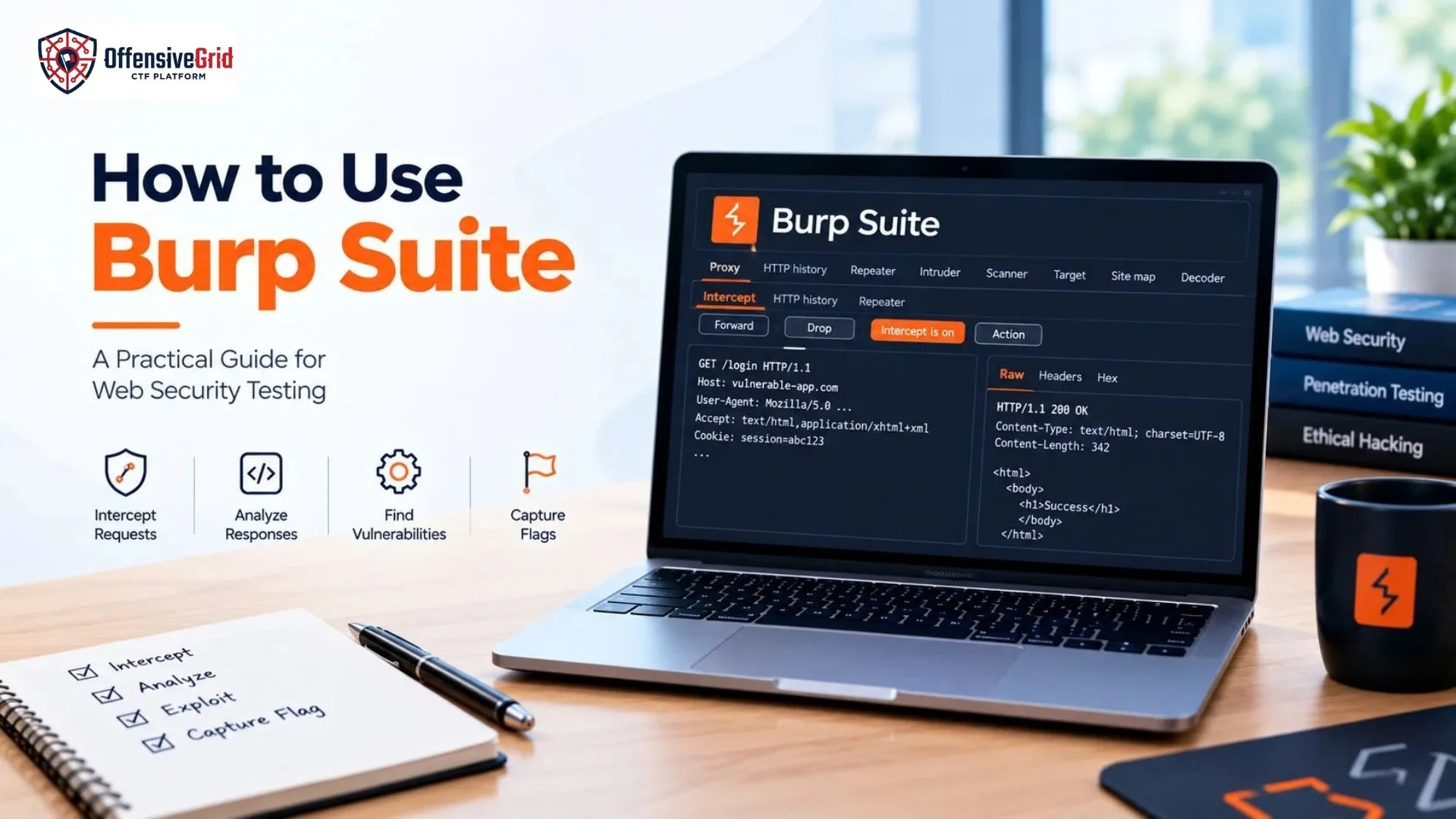
If you are learning web application security or penetration testing, knowing how to use Burp Suite is an important practical skill. Burp Suite is a comprehensive web security testing platform that allows security professionals to intercept, inspect, modify, and analyze HTTP and WebSocket traffic between a browser and a web application.
Burp Suite is commonly used during authorized penetration tests, security assessments, CTF challenges, and controlled web security labs. Its tools can help security testers understand how an application processes requests, handles user input, manages sessions, and responds to different requests.
This guide explains the core Burp Suite workflow and how to use its most important features safely.
What Is Burp Suite?
Burp Suite is a web application security testing platform developed by PortSwigger. It provides a collection of tools designed to support both manual and automated security testing.
Some of its commonly used components include:
- Burp Proxy
- HTTP history
- Burp Repeater
- Burp Intruder
- Burp Scanner
- Target and Site Map
- Decoder
- Comparer
- Extensions
The platform is available in Community and Professional editions, with different features available depending on the edition.
For someone learning how to use Burp Suite, the best approach is to first understand the basic request-and-response workflow before moving to more advanced features.
How Does Burp Suite Work?
Burp Suite works as an intermediary between your browser and the target web application. When you make a request, the traffic can pass through Burp Suite before reaching the server. This allows you to inspect the request, analyze its parameters, modify selected values, and forward it to the application. Burp Proxy is the central component for this workflow. PortSwigger describes it as a web proxy that can intercept, inspect, and modify traffic between the browser and target application.
The basic workflow is:
Browser → Burp Suite → Web Application → Burp Suite → Browser
This makes it easier to understand exactly what happens when you interact with a web application.
How to Install Burp Suite
The first step is to download Burp Suite from the official PortSwigger website. PortSwigger provides both Community Edition and Professional Edition. After downloading the appropriate installer, launch the application and follow the setup process. Once Burp Suite opens, you can create or configure a project and begin exploring its tools. For basic web security testing, Burp Suite can run on relatively modest hardware. PortSwigger currently lists 4 GB RAM and a dual-core CPU as the minimum specification for basic tasks.
Using Burp’s Built-In Browser
One of the easiest ways to start using Burp Suite is its built-in browser.
Go to:
Proxy → Intercept → Open Browser
Burp’s browser is already configured to work with Burp Proxy, so you do not need to manually configure browser proxy settings for basic testing.
Open the browser and visit an authorized test application or a deliberately vulnerable lab.
As you interact with the website, Burp can capture the HTTP traffic generated by your browser.
How to Intercept HTTP Requests
Burp Proxy allows you to pause requests before they reach the target server.
To try this:
- Open Proxy → Intercept.
- Turn interception on.
- Open Burp’s browser.
- Visit your authorized test application.
- Act such as submitting a form.
- Inspect the intercepted request.
- Click Forward to send it to the server.
The intercepted request can contain useful information such as:
- HTTP method
- URL
- Headers
- Cookies
- Parameters
- Request body
PortSwigger’s current documentation recommends using Burp’s browser for a quick setup because it is preconfigured for Burp Proxy.
Understanding HTTP History
You do not need to keep interception enabled all the time. Burp Proxy also records HTTP traffic in the HTTP history section. This allows you to browse the application normally and inspect requests afterward. HTTP history can help you identify:
- Login requests
- API calls
- Form submissions
- Static resources
- Cookies
- Parameters
- Server responses
You can select a request from the history and examine its complete HTTP request and response. This is one of the most useful features when learning how to use Burp Suite, because it helps you understand how ordinary browser actions translate into HTTP traffic.
Setting the Target Scope
When browsing a website, your browser may communicate with many third-party services. This can create unnecessary traffic inside Burp Suite. The Target Scope feature allows you to define which hosts and URLs are part of your authorized testing target.
You can add your test application to the scope through:
Target → Site map → Add to scope
You can then filter HTTP history to display only in-scope traffic. PortSwigger recommends using target scope to reduce unnecessary traffic and keep testing focused. This is particularly useful during larger web application assessments.
How to Use Burp Repeater
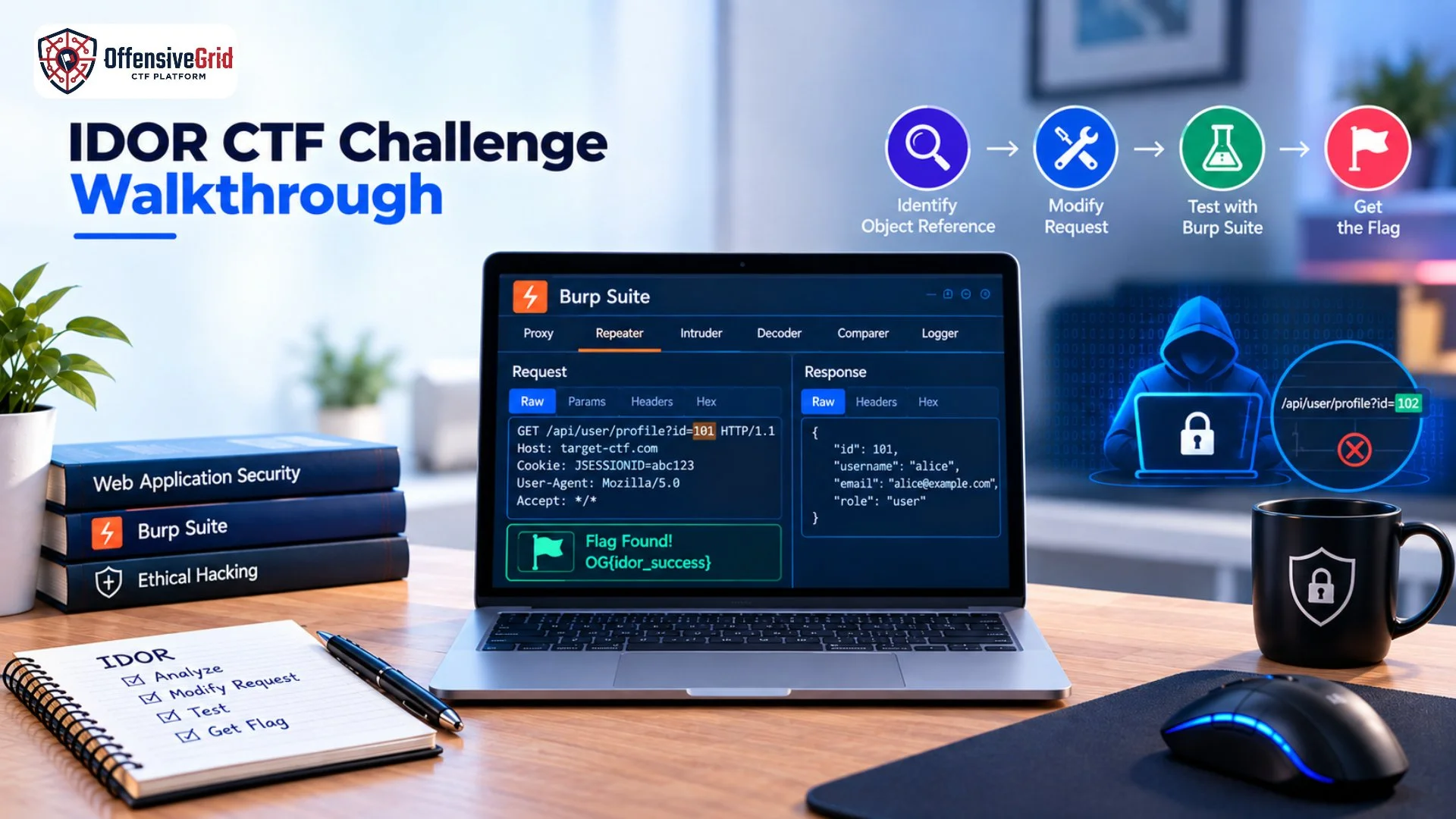
Burp Repeater is one of the most important tools for manual web application testing. It allows you to take an interesting HTTP or WebSocket request, modify it, and send it repeatedly. For example, you might find a request containing a parameter such as:
product_id=10
You can send the request to Repeater and modify the parameter while observing how the application responds. Repeater can be useful for investigating:
- Input validation
- Access control
- Authentication behavior
- API responses
- Parameter handling
- Business logic
- Error handling
If you want to strengthen your overall penetration testing knowledge, our guide on web application penetration testing for beginners covers the broader testing process and common web security concepts.
How to Use Burp Intruder
Burp Intruder is designed for automated, customized testing of HTTP requests. It can repeatedly send requests while inserting different payloads into selected positions.
A typical workflow is:
- Identify an interesting request.
- Send it to Intruder.
- Select a parameter or location for testing.
- Define appropriate payloads.
- Configure the attack.
- Review the responses.
Intruder can be useful for controlled fuzzing, input testing, and other authorized security assessments. Because automated requests can generate significant traffic, use Intruder only against systems you are authorized to test and configure it carefully.
Using Burp Scanner
Burp Scanner provides automated vulnerability scanning capabilities in supported editions. A scanner can help identify potential security issues, but automated results should not automatically be treated as confirmed vulnerabilities. Manual verification is important because security testing often requires understanding application context, business logic, authentication state, and intended functionality. A useful workflow is to combine automated findings with manual testing through Proxy and Repeater.
How Burp Suite Helps With Web Pentesting
Burp Suite can support several stages of a web application penetration test.
Reconnaissance
HTTP history and Site Map can help you understand the application’s accessible functionality.
Request Analysis
Proxy allows you to inspect requests and responses.
Manual Testing
Repeater makes it easier to modify and resend requests.
Automated Testing
Intruder and Scanner can support specific automated testing tasks.
Evidence Collection
Burp requests and responses can provide useful evidence when documenting security findings.
When learning practical cybersecurity, combining tools with structured methodology is more effective than relying on a single automated scanner.
Practice Burp Suite on Offensive Grid
The best way to learn how to use Burp Suite is through a safe, hands-on environment where every target is intentionally designed for security practice. Offensive Grid lets you practice web application penetration testing without touching real production systems.
On Offensive Grid, you can practice:
-
Web application pentest labs with flags
-
SQL Injection and XSS challenges
-
Broken Access Control scenarios
-
Authentication and session testing
-
Burp Suite–based CTF exercises
-
Guided penetration testing labs
These labs are designed to help learners intercept HTTP requests, analyze application behavior, identify vulnerabilities, and capture flags using Burp Suite in a fully authorized environment. For additional hands-on learning, our guide on beginner cybersecurity CTF challenges covers practical challenge-based cybersecurity training.
Common Mistakes When Learning Burp Suite
Several mistakes can make the learning process more difficult.
Intercepting Everything
Keeping interception enabled constantly can create a large number of requests. Use HTTP history when you simply want to observe traffic.
Ignoring Scope
Testing without clearly defining your target scope can make your traffic difficult to manage and may lead to accidental interaction with unintended systems.
Relying Only on Automated Tools
Burp Suite has powerful automation features, but manual analysis remains important for understanding application behavior.
Testing Unauthorized Targets
Never use Burp Suite to test websites or systems without permission. Security testing can affect applications and data, so authorization is essential.
Frequently Asked Questions
What is Burp Suite used for?
Burp Suite is used for web application security testing. It can intercept, inspect, modify, and analyze HTTP and WebSocket traffic and provides tools for manual and automated testing.
Is Burp Suite free?
Burp Suite has Community and Professional editions. The available features differ between editions.
Is Burp Suite difficult to learn?
The basic workflow is relatively straightforward once you understand HTTP requests and responses. Proxy, HTTP history, Repeater, and Target Scope are good features to learn first.
Can Burp Suite be used for CTFs?
Yes. Burp Suite is widely useful in authorized CTFs and deliberately vulnerable web security labs where participants analyze and manipulate web requests.
Conclusion
Learning how to use Burp Suite provides a strong foundation for practical web application security testing. Its Proxy, HTTP history, Target Scope, Repeater, Intruder, and Scanner features can help security testers understand application behavior and investigate potential vulnerabilities. The most effective way to learn Burp Suite is through authorized hands-on practice. Start by understanding HTTP traffic, then gradually move from Proxy and HTTP history to Repeater and more advanced testing features. With consistent practice in controlled labs and CTF environments, Burp Suite can become an important part of a structured web penetration testing workflow.