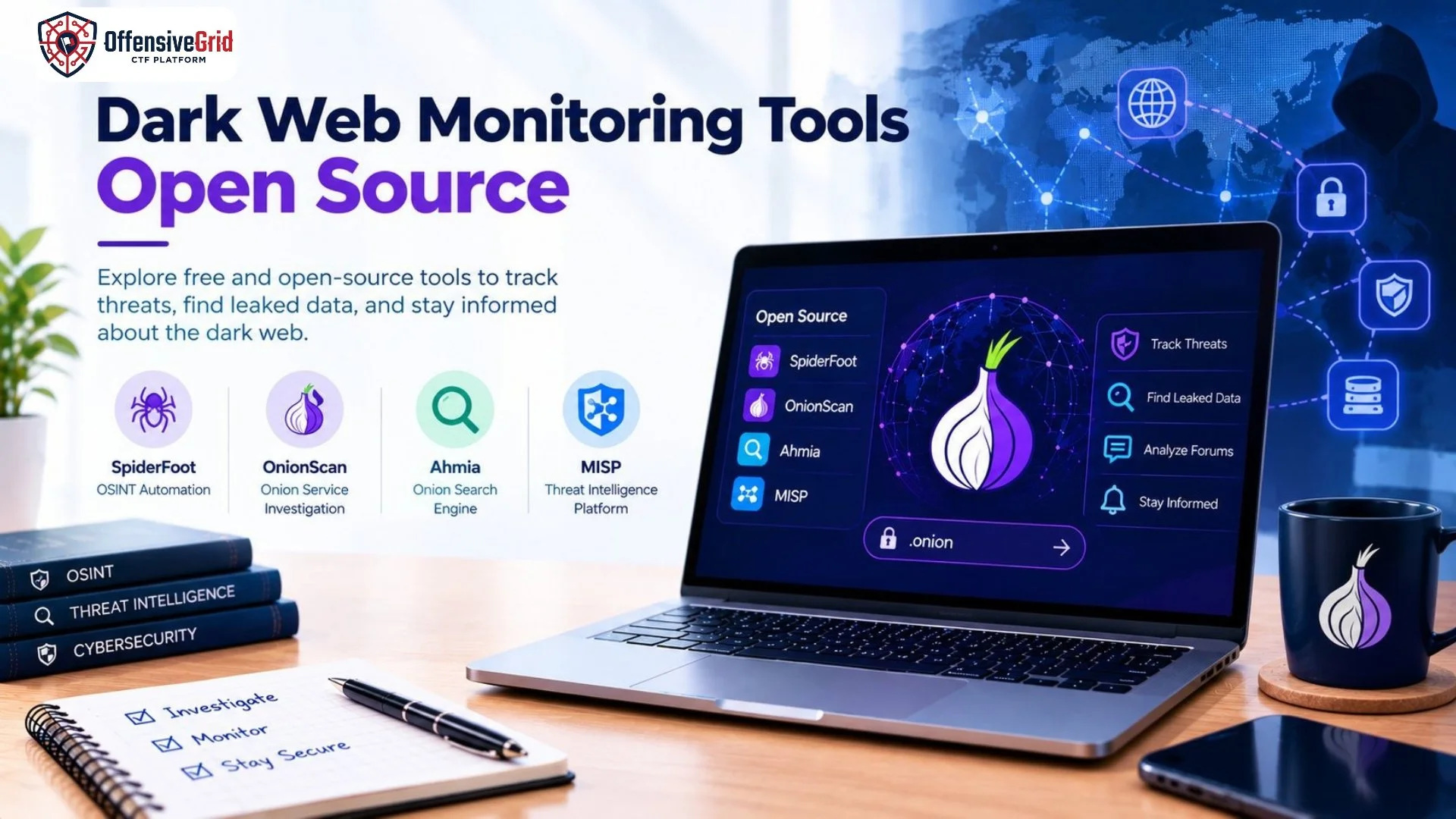
Cybersecurity threats can emerge from leaked credentials, stolen business information, exposed data, and discussions on hidden online services. Monitoring these sources can help organizations identify potential risks before they lead to larger security incidents. Fortunately, dark web monitoring tools open source options can help security researchers and organizations investigate publicly available threat intelligence without immediately investing in expensive commercial platforms.
Open-source tools offer transparency, customization, and community-driven development. However, not every tool continuously monitors the dark web, and some require additional configuration or data sources. This guide explores useful tools, their capabilities, and how to choose an appropriate solution for your cybersecurity needs.
What Are Dark Web Monitoring Tools?
Dark web monitoring tools help security teams discover and analyze information associated with potential threats on dark web forums, onion services, public websites, and other online sources. Depending on the tool, this information may include exposed credentials, leaked corporate data, suspicious domains, threat actor discussions, and indicators associated with cyberattacks. Open-source tools provide source code that users can inspect, modify, or deploy according to the applicable license. Some search or collect information, while others organize threat intelligence or investigate online exposure.
It is important to understand the difference between dark web monitoring and dark web search. A search tool helps find indexed information, whereas continuous monitoring generally requires scheduled collection, filtering, alerting, and review.
Why Use Open-Source Dark Web Monitoring Tools?
Open-source solutions can be useful for security professionals, researchers, students, and organizations with limited budgets.
1. Cost-Effective Security Research
Many open-source tools can be downloaded and deployed without purchasing a commercial license. However, infrastructure, maintenance, and some third-party data sources may still involve costs.
2. Customization and Transparency
Security teams can inspect available source code, adapt workflows, and integrate tools with their existing security infrastructure.
3. Threat Intelligence Collection
Depending on their capabilities and configured sources, these tools can help identify exposed information, investigate suspicious activity, and organize indicators for further analysis.
4. Learning and Experimentation
Students and cybersecurity beginners can use suitable open-source projects to understand OSINT, threat intelligence, and security investigation workflows in controlled environments.
Top Open-Source Dark Web Monitoring Tools
The following tools serve different purposes. Some investigate onion services directly, while others collect broader OSINT or organize threat intelligence. They should not all be treated as complete, real-time dark web monitoring platforms.
1. SpiderFoot
SpiderFoot is an open-source OSINT automation tool that gathers and correlates information from numerous sources. Its documented capabilities include Tor integration for dark web searching, making it useful for investigations into an organization’s online exposure. <Cite refs={[“turn724212search12″,”turn724212search6”]} />
Key features:
- Automated OSINT data collection and correlation.
- Investigation of domains, IP addresses, email addresses, and other identifiers.
- Data export and visualization options.
- Tor-related searching through supported modules.
Best for: Security researchers, penetration testers, and analysts investigating publicly exposed information.
Official project: SpiderFoot on GitHub
2. OnionScan
OnionScan is a free, open-source tool designed to investigate Tor onion services. Its original project focuses on helping operators identify operational security issues and enabling researchers to investigate dark web services. <Cite refs={[“turn724212search8”]} />
Key features:
- Investigation of onion services.
- Checks for certain operational security weaknesses.
- Support for research into exposed information and service configuration.
Best for: Researchers studying onion services and authorized assessments of services they operate.
Important note: OnionScan is an older project, so review its maintenance status, dependencies, and compatibility before relying on it in a current monitoring workflow.
Project website: OnionScan
3. Ahmia
Ahmia is a search engine for Tor onion services with an open-source codebase. Its project includes components for the search website, indexing, and crawling. It can help researchers discover indexed onion services and locate publicly available information. <Cite refs={[“turn724212search3″,”turn724212search2″,”turn724212search5”]} />
Key features:
- Search for indexed onion services.
- Open-source crawler and indexing components.
- Research into publicly available Tor services.
Best for: Researchers who need to discover onion websites or explore the publicly indexed portion of the Tor ecosystem.
Limitation: Ahmia is primarily a search and discovery resource, not a complete credential-leak detection or continuous brand-monitoring system.
Official website: Ahmia
Source code: Ahmia on GitHub
4. MISP
MISP, the Malware Information Sharing Platform, is an open-source threat intelligence platform designed to collect, store, correlate, and share cybersecurity indicators and threat information. <Cite refs={[“turn724212search11”]} />
Although MISP is not a dedicated dark web crawler, it can support a broader monitoring workflow by organizing intelligence gathered from authorized feeds, investigations, and other configured sources.
Key features:
- Structured threat intelligence management.
- Correlation of indicators and related events.
- Sharing information with security teams.
- Integration with compatible security tools and workflows.
Best for: Security operations teams that need to manage and correlate threat intelligence collected from multiple sources.
Official project: MISP on GitHub
Comparison of Open-Source Tools
| Tool | Primary Purpose | Dark Web Role | Best For |
| SpiderFoot | OSINT automation | Tor-related searching through supported modules | Exposure investigations |
| OnionScan | Onion-service investigation | Examines onion services | Authorized service research |
| Ahmia | Onion-service search | Discovers indexed onion websites | Search and discovery |
| MISP | Threat intelligence management | Organizes intelligence from configured sources | Security operations |
The right choice depends on whether you need to discover onion sites, investigate a particular service, identify exposed information, or manage intelligence collected from multiple sources.
How to Get Started With Open-Source Dark Web Monitoring
A practical monitoring workflow requires more than installing a tool. Define what you want to protect and establish a repeatable process for reviewing findings.
Step 1: Define Your Monitoring Objectives
Identify the assets and information you are authorized to monitor. These might include company domains, official email addresses, brand names, or approved threat intelligence indicators.
Step 2: Choose the Right Tool
Use SpiderFoot for broader OSINT investigations, Ahmia for onion-service discovery, OnionScan for suitable onion-service assessments, or MISP for organizing and correlating intelligence.
Step 3: Set Up a Secure Environment
Install tools from their official repositories and review their documentation. Use an isolated, updated environment with restricted access, particularly when handling suspicious files or sensitive findings.
Step 4: Collect and Verify Findings
Search results can be outdated, incomplete, duplicated, or misleading. Verify important findings using independent evidence before treating them as confirmed incidents.
Step 5: Establish Monitoring and Reporting
Where the tool and data source support it, schedule authorized collection, document findings, and configure alerts through compatible integrations. Continuous monitoring requires a reliable data source and an operational process; installing an open-source tool alone does not guarantee real-time alerts.
Best Practices for Safe and Responsible Monitoring
Dark web investigations should focus on legitimate defensive purposes.
- Monitor only assets and information you are authorized to investigate.
- Never attempt to purchase stolen credentials or access illicit services.
- Avoid downloading suspicious files onto your everyday computer.
- Protect sensitive investigation records and limit access to relevant personnel.
- Validate findings before notifying stakeholders or making incident decisions.
- Follow applicable laws, organizational policies, and the terms of each tool.
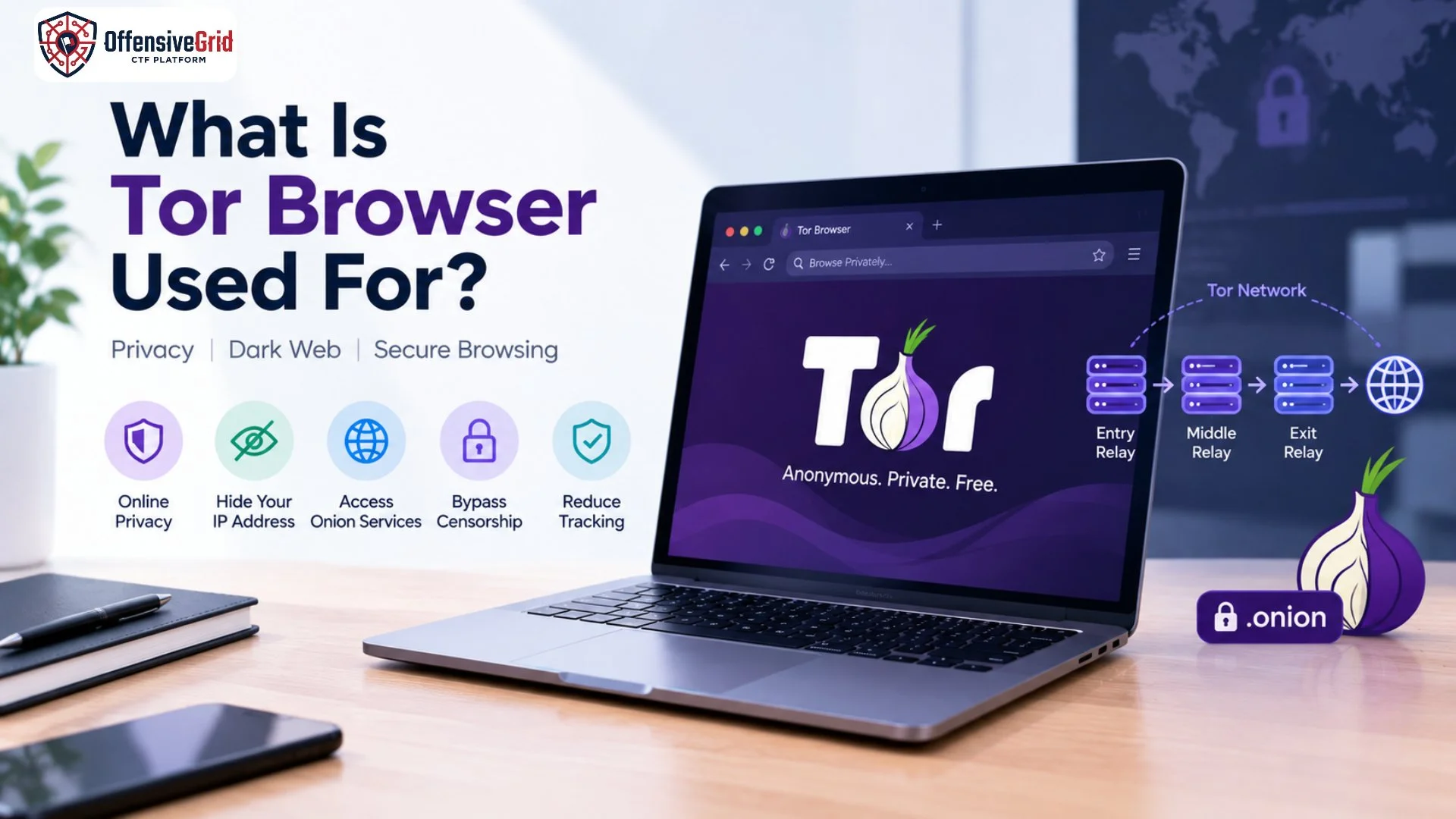
For additional cybersecurity learning, explore What Is a .onion Website? to understand onion services and how they differ from conventional websites. You can also read What Is Tor Browser Used For? to learn about Tor’s privacy features and limitations.
Frequently Asked Questions
Are open-source dark web monitoring tools free?
Many are available without a commercial license, but hosting, maintenance, computing resources, and some external data sources may cost money.
Can these tools find leaked passwords?
Some tools or integrated sources may help identify exposed credentials or breach-related information. Coverage varies, and no tool can guarantee that it will find every leaked password.
Is SpiderFoot a dark web monitoring tool?
SpiderFoot is primarily an OSINT automation platform with documented Tor-related searching capabilities. Its monitoring usefulness depends on the modules, sources, and workflows configured.
Is dark web monitoring legal?
Defensive monitoring can be a legitimate cybersecurity activity, but legal requirements depend on the jurisdiction and the methods used. Respect privacy, access restrictions, and applicable laws.
Which open-source tool should beginners choose?
SpiderFoot can be a useful starting point for broader OSINT investigations, while Ahmia is relevant for onion-service discovery. Choose based on your goal, technical experience, and the project’s current maintenance status.
Conclusion
Dark web monitoring tools open source can help security teams investigate online exposure, discover onion services, and organize threat intelligence without depending entirely on commercial platforms. SpiderFoot, OnionScan, Ahmia, and MISP each address different parts of this process. Before selecting a solution, confirm its current maintenance status, understand its limitations, and verify the quality of its data sources. Most importantly, combine appropriate tools with a documented monitoring workflow, secure handling of findings, and responsible investigation practices.