
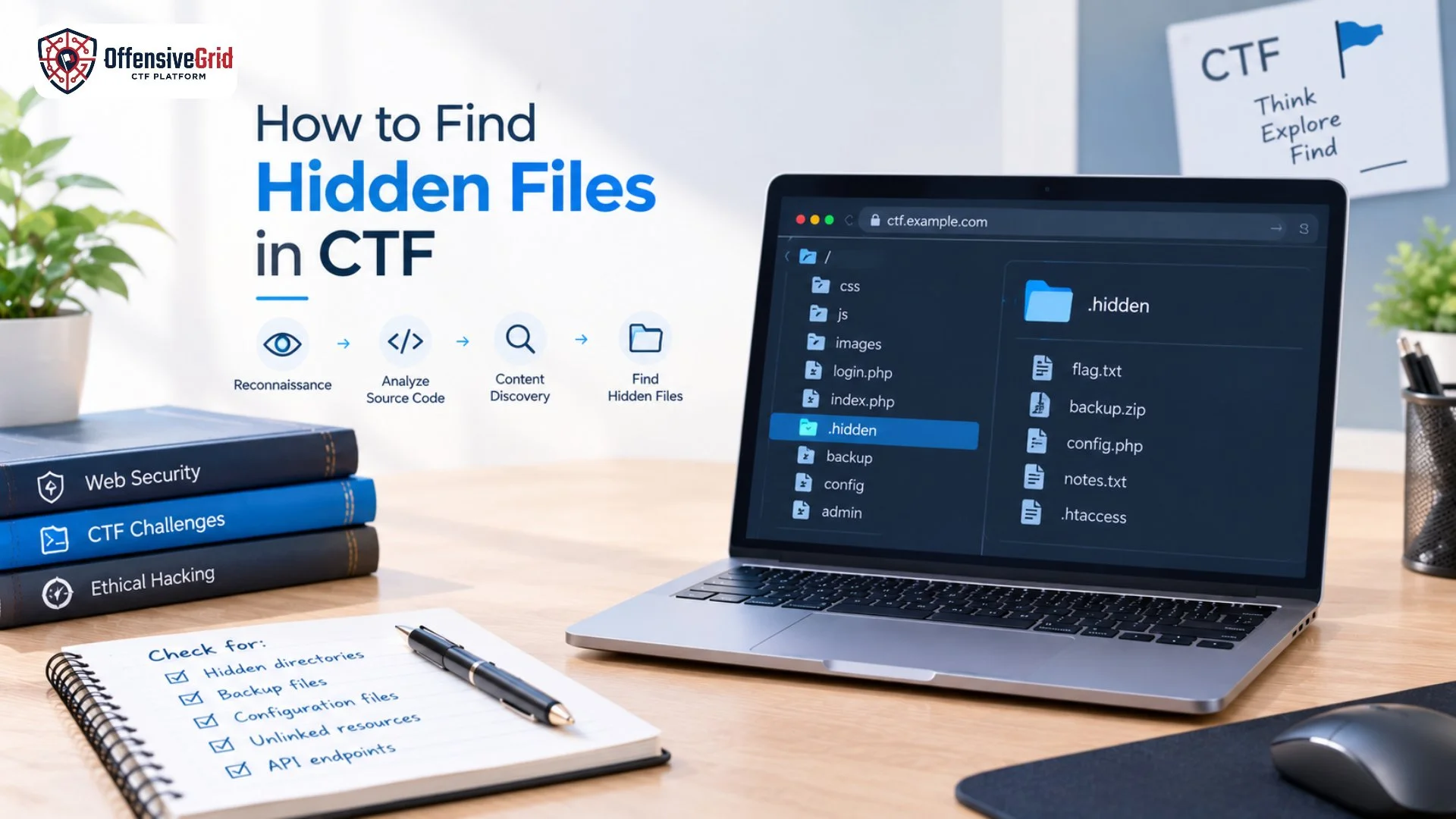
Capture the Flag (CTF) challenges often hide important clues, configuration files, backup files, or flags outside the application’s visible pages. Learning how to find hidden files in CTF environments is an important skill for web security reconnaissance and practical penetration testing.
In many challenges, the flag is not placed directly on the homepage. Instead, you may need to inspect application behavior, discover unlinked directories, analyze source code, check common filenames, or use content discovery tools. This guide explains practical techniques for finding hidden files in authorized CTF labs and deliberately vulnerable applications.
What Are Hidden Files in a CTF?
Hidden files are files or resources not directly linked from a web application’s visible pages. A CTF challenge may intentionally place a flag or useful clue inside one of these resources.
Examples can include:
- Backup files
- Configuration files
- Developer notes
- Hidden text files
- Old versions of pages
- Debug files
- Unlinked directories
- Temporary files
- API-related resources
- Challenge-specific flag files
For example, a challenge may visibly contain:
/index.php
/login.php
/about.php
But additional resources might exist at locations such as:
/backup/
/admin/
/old/
/debug/
/config/
/uploads/
The important point is that a hidden file is not automatically a vulnerability. In a CTF, its presence is usually intentional and forms part of the challenge.
Why Do CTF Challenges Hide Files?
CTF designers hide files to encourage participants to think beyond the visible application. A challenge might provide a clue through a page source, filename pattern, error message, robots.txt, or application behavior. You then use that information to discover another resource. This teaches an important penetration-testing concept: the visible attack surface may not represent the complete application. Security testing therefore involves mapping additional content and functionality rather than relying only on navigation links.
How to Find Hidden Files in CTF
1. Explore the Website Manually
Start with simple reconnaissance before using automated tools.
Visit every available page and interact with the application. Check:
- Homepage
- Login and registration pages
- Search functionality
- User profiles
- File upload areas
- Download features
- Contact forms
- Error pages
- Account settings
- API requests
Pay attention to URLs, filenames, parameters, and directory structures.
For example, if you discover:
/admin/view.php
you can think about whether related resources might follow a similar naming pattern, such as:
/admin/edit.php
/admin/config.php
/admin/backup.php
Naming patterns are useful because web applications frequently organize related functionality using predictable names. OWASP also recommends analyzing naming schemes when looking for unreferenced files.
2. Check the Page Source
One of the easiest techniques for how to find hidden files in CTF challenges is inspecting HTML source code.
Look for:
- HTML comments
- Hidden links
- JavaScript files
- Disabled buttons
- Old URLs
- Developer notes
- Unusual filenames
- References to directories
For example:
<!– Temporary admin panel: /test-admin/ –>
A comment like this can provide an immediate clue.
JavaScript can also contain references to API endpoints and application routes that are not visible in the normal interface. This makes source and script analysis useful during CTF reconnaissance.
3. Check robots.txt and Sitemap Files
Try common metadata files such as:
/robots.txt
/sitemap.xml
A robots.txt file may contain paths that website crawlers are instructed not to visit. In a CTF, those paths can sometimes provide useful clues.
For example:
User-agent: *
Disallow: /secret/
Disallow: /backup/
You can then investigate those paths within the CTF environment.
However, remember that robots.txt is not an access-control mechanism. Its contents can be viewed by anyone who requests the file. PortSwigger specifically notes that robots and sitemap files can reveal paths that are not otherwise visible in the application’s sitemap.
4. Look for Naming Patterns
Naming patterns can give you ideas about what to test next.
Suppose you discover:
/products/
You might look for related resources such as:
/products/admin/
/products/backup/
/products/test/
/products/old/
Similarly, if you find:
/user/view.php
you might investigate whether the challenge contains related pages such as:
/user/edit.php
/user/delete.php
/user/admin.php
The goal is not to guess randomly. Instead, use information already discovered in the application to create logical hypotheses.
5. Use Content Discovery Tools
Manual exploration can miss resources that are not linked anywhere. Content discovery tools can help identify possible files and directories. Burp Suite’s content discovery functionality can use name guessing, crawling, and naming conventions to identify content that is not linked from visible pages.
Common tools used in CTF labs include:
- Burp Suite
- Gobuster
- Feroxbuster
- ffuf
- OWASP ZAP
For example, a content discovery tool might test a wordlist containing names such as:
admin
backup
config
debug
old
test
uploads
secret
A simplified discovery workflow looks like:
Known URL
↓
Content Discovery
↓
Possible Files/Directories
↓
Manual Verification
↓
Identify Useful Clue
↓
Continue CTF
Automated discovery should generate candidates rather than replace manual analysis. A response that returns 200 OK, for example, does not automatically mean a real file exists; applications can return custom pages for nonexistent resources.
6. Look for Backup and Temporary Files
Backup files are especially interesting in CTF challenges because they may contain previous versions of application files or useful clues.
Examples might include:
config.php.bak
index.php.old
backup.zip
database.sql
notes.txt
The exact filenames depend on the challenge.
In real applications, accidentally exposed backup and unreferenced files can disclose source code or sensitive information, which is why OWASP includes testing for old, backup, and unreferenced files in its Web Security Testing Guide.
7. Inspect HTTP Requests With Burp Suite
Burp Suite can help you understand what the browser is actually requesting.
Capture requests while interacting with the CTF application and examine:
- URL paths
- HTTP methods
- Query parameters
- Cookies
- Headers
- Response codes
- Response bodies
- Redirects
The Burp site map can help organize discovered resources, while content discovery can identify additional files and directories. If you want to strengthen your request-analysis skills, our guide on how to use Burp Suite can help you understand interception, request analysis, Repeater, and other practical features.
8. Analyze Interesting Responses
Finding a file is only the beginning. Read its response carefully.
Look for:
- Flag-like strings
- Comments
- Credentials provided specifically as CTF clues
- File paths
- API endpoints
- Version information
- Links to additional resources
- Error messages
- References to another filename
For example, you might discover:
/backup/notes.txt
and its contents say:
The old admin panel is located at /legacy-admin/
That new path becomes your next investigation point.
Common Hidden Files and Locations in CTFs
Different challenges use different techniques, but the following categories are commonly worth investigating:
| Type | Example | Possible Purpose |
| Backup | backup.zip | Previous application files |
| Configuration | config.txt | Challenge clue or settings |
| Temporary | test.txt | Developer/test information |
| Old files | index. old | Previous version |
| Directories | /admin/ | Hidden functionality |
| Metadata | /robots.txt | Path discovery clue |
| Debug | /debug/ | Development information |
| Uploads | /uploads/ | User-uploaded resources |
These are CTF/lab examples, not a recommendation to search for unauthorized files on real systems.
How to Solve Hidden File CTF Challenges More Efficiently
A structured approach is usually more effective than randomly guessing URLs.
Start with:
Manual Exploration → Source Inspection → Metadata Files → Naming Patterns → HTTP Analysis → Content Discovery → Response Analysis → Follow the Clues
If you regularly practice web-based CTFs, combining these techniques with Web App Pentest Lab With Flags can help you build a stronger understanding of practical web application reconnaissance and flag-based challenges.
The goal is not simply to discover the largest number of files. Instead, focus on understanding why a resource may exist and how it connects to the rest of the challenge.
Common Mistakes When Finding Hidden Files
Relying Only on Wordlists
Wordlists are useful, but they cannot understand every application’s logic. Always combine automated discovery with manual investigation.
Ignoring Source Code
A single HTML comment or JavaScript reference can reveal more than hundreds of random requests.
Treating Every 200 Response as Valid
Some applications return the same response for missing and existing resources. Compare response length, content, status codes, redirects, and application behavior.
Forgetting the Challenge Description
CTF descriptions often contain subtle hints. A keyword, filename, character name, or unusual phrase may suggest what you should investigate.
Testing Outside the CTF Scope
Only perform discovery against the CTF target or an environment where you have explicit authorization.
FAQs
What is the easiest way to find hidden files in a CTF?
Start with manual exploration, inspect the page source, check robots.txt, analyze HTTP requests, and then use content discovery tools to identify additional files and directories.
Can Burp Suite find hidden files?
Yes. Burp Suite provides content discovery functionality that can identify unlinked files, directories, and other content using techniques such as name guessing and naming-pattern analysis.
Should I check robots.txt in a CTF?
Yes. It can provide useful reconnaissance clues, especially when the challenge intentionally places interesting paths there. However, it should never be treated as an access-control mechanism.
Are hidden files always vulnerabilities?
No. In a CTF, hidden files are often simply part of the challenge design. In real applications, however, exposed backup, configuration, or sensitive files can contribute to information disclosure or other security issues.
Which tools are useful for hidden file discovery?
Common options include Burp Suite, ffuf, Gobuster, Feroxbuster, and OWASP ZAP. Choose tools based on the challenge and always verify discovered results manually.
Conclusion
Learning how to find hidden files in CTF challenges develops practical reconnaissance and web security skills. Start by exploring the application manually, then inspect source code, JavaScript, metadata files, naming patterns, HTTP traffic, and potential backup resources. Content discovery tools can speed up the process, but the most important skill is understanding the clues you find and connecting them. With consistent practice in authorized CTF environments, hidden-file discovery becomes a structured part of web application reconnaissance rather than a guessing game.