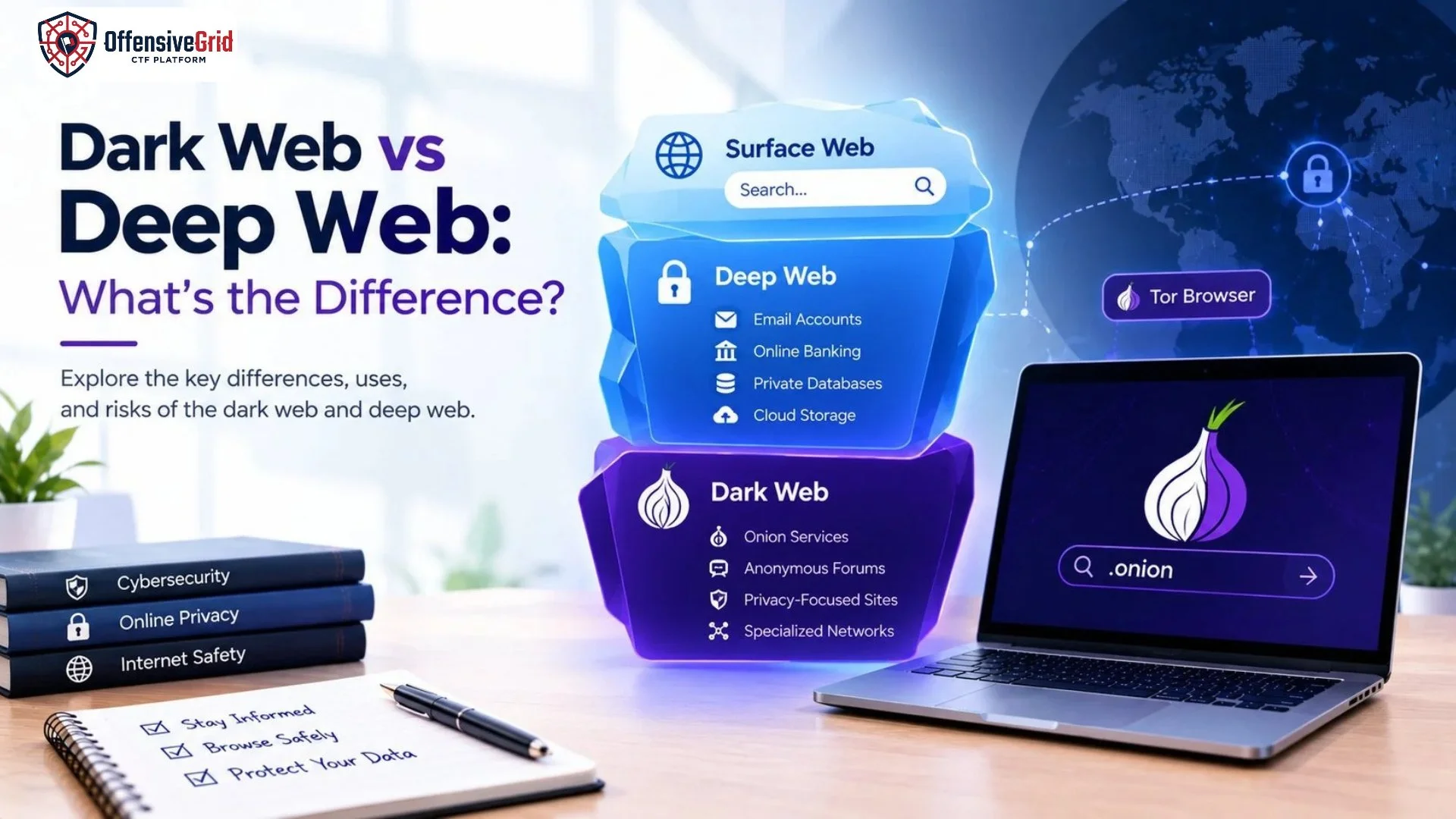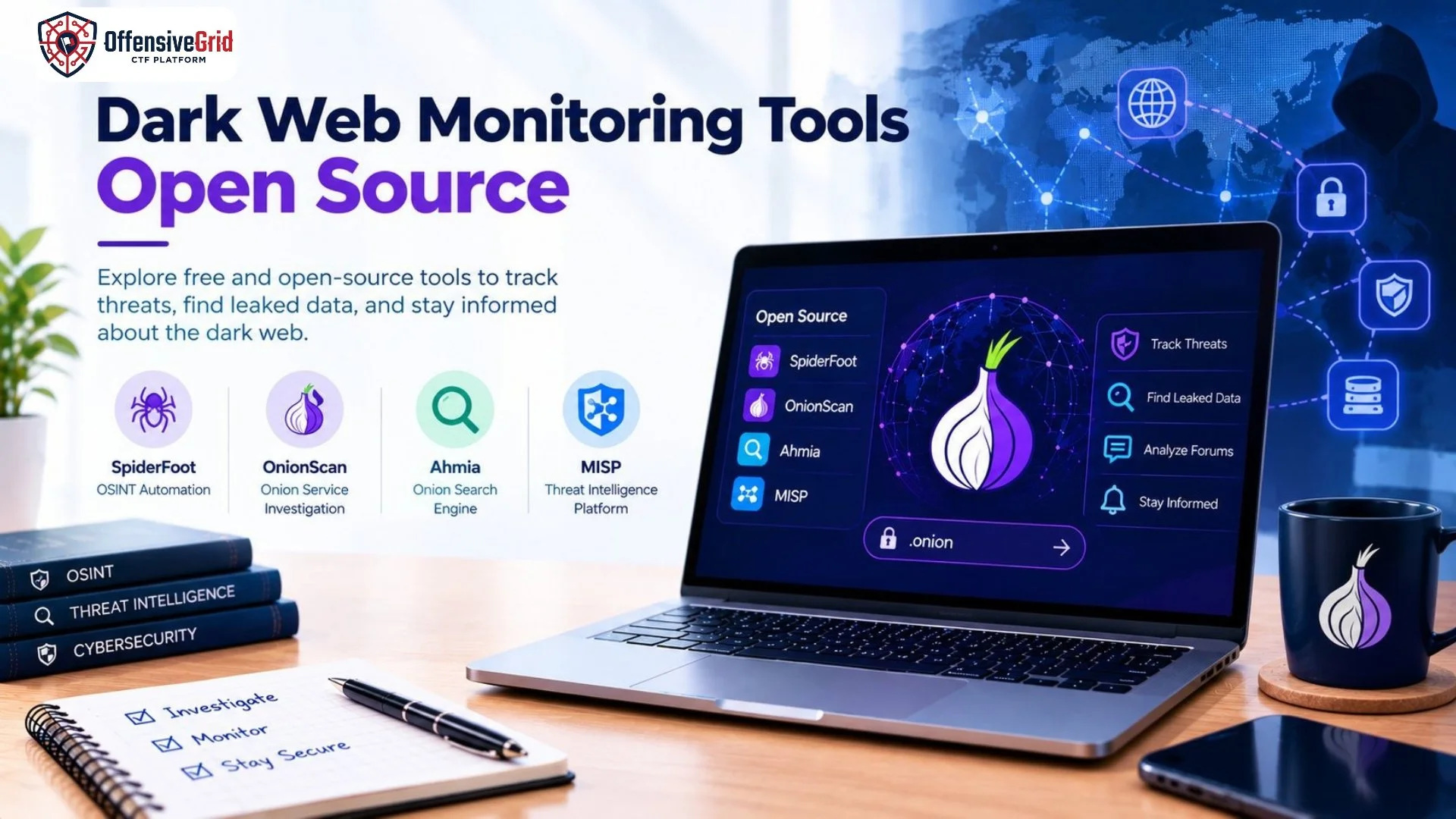
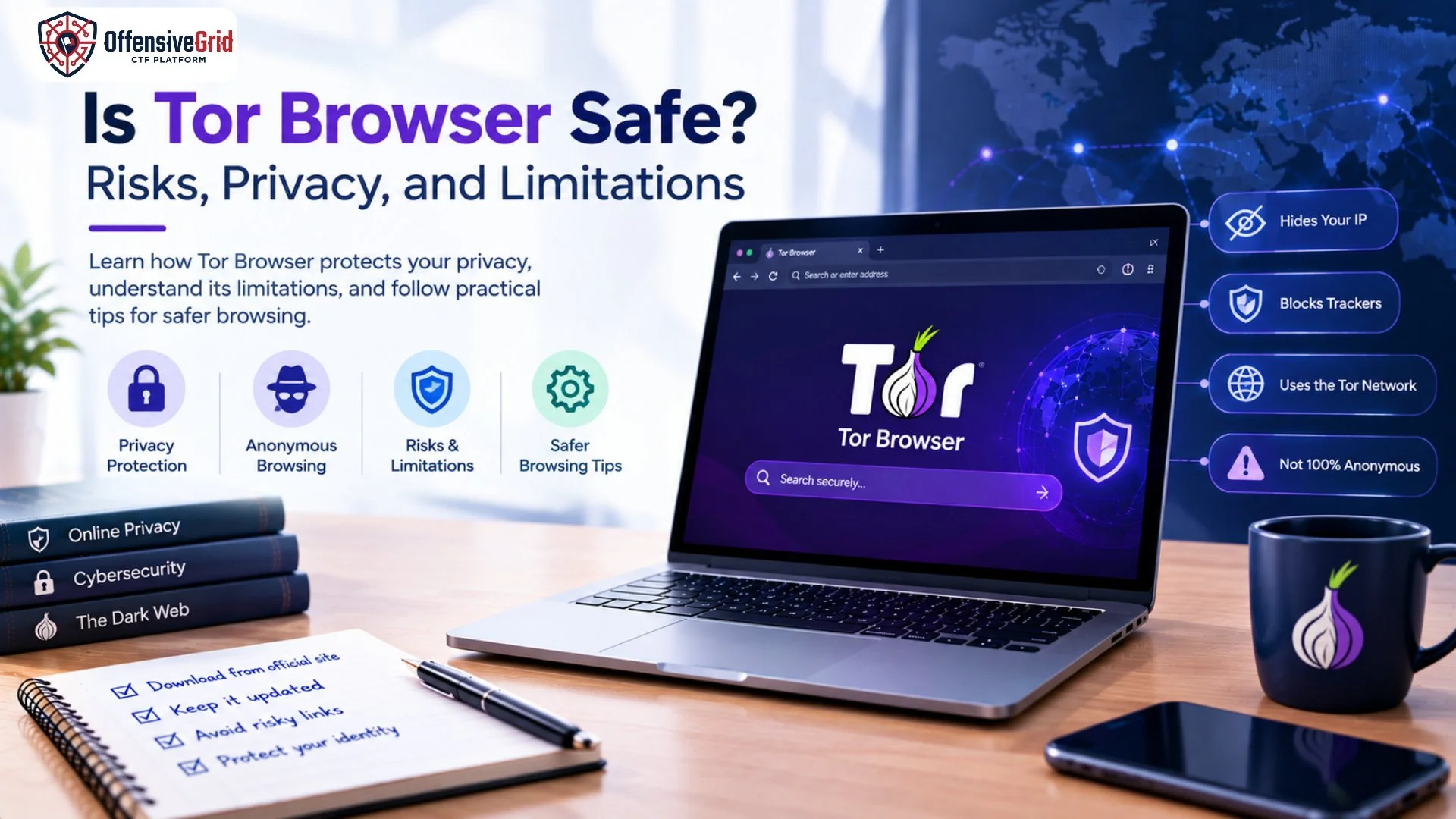
Tor Browser is widely known for helping users protect their online privacy, reduce tracking, and access websites that may be blocked on their network. However, many people still ask: Is Tor Browser safe? The answer depends on how you use it, what websites you visit, and what information you share online. Tor Browser uses the Tor network to route internet traffic through multiple relays, making it more difficult for websites and network observers to identify a user’s real IP address and browsing activity. It also includes privacy features designed to reduce tracking and browser fingerprinting. However, it cannot guarantee complete anonymity or protect users from every online threat.
In this guide, we explain how Tor Browser works, its privacy benefits, potential risks, and practical steps for safer browsing.
What Is Tor Browser?
Tor Browser is a free, privacy-focused web browser based on Mozilla Firefox. It is developed by the Tor Project and designed to improve online privacy by routing browser traffic through the Tor network.
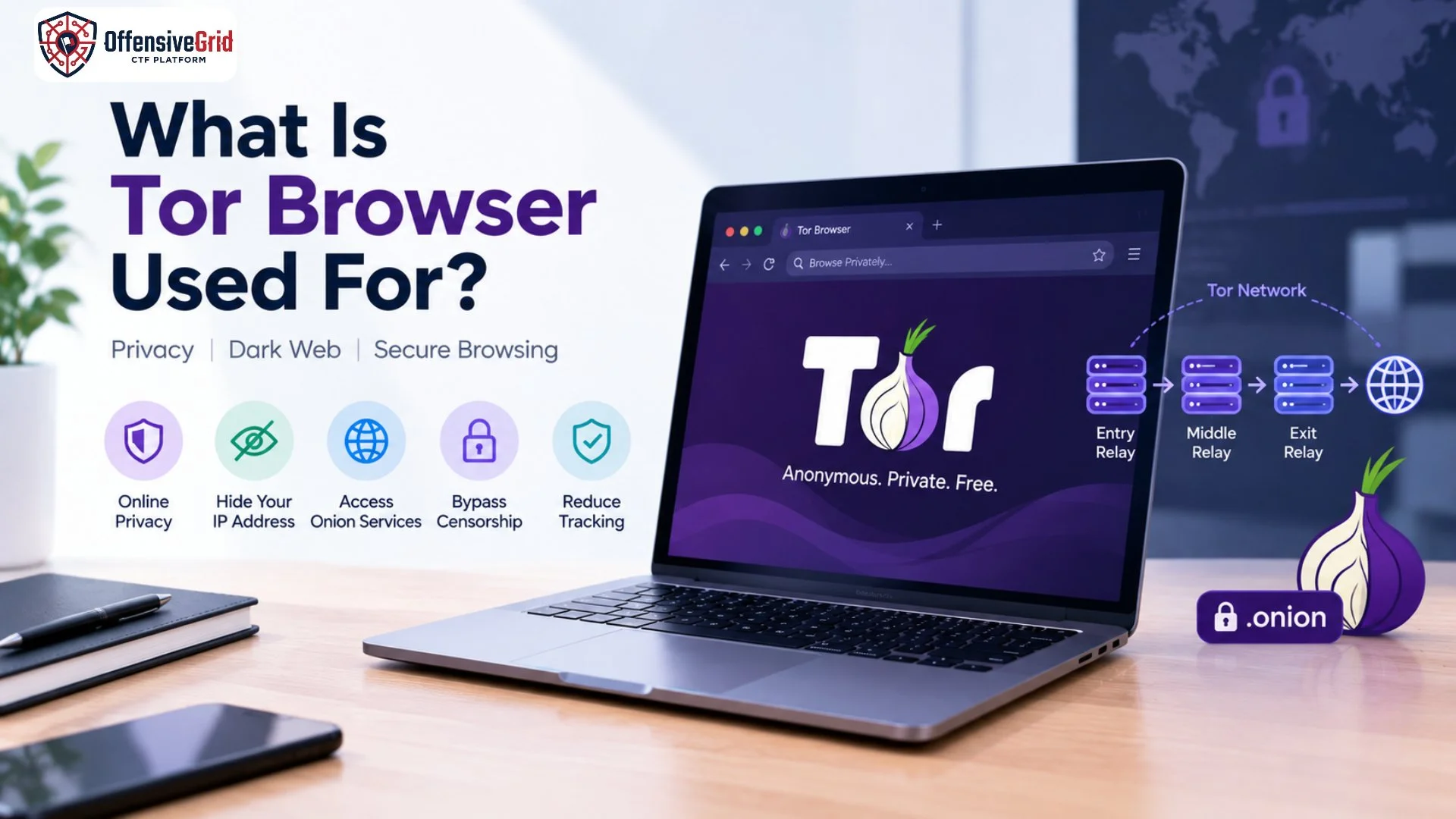
Instead of connecting directly to a website, Tor Browser sends traffic through a series of volunteer-operated relays. This makes it harder for a website to identify the user’s original IP address and for local network observers to determine which websites the user visits. <Cite refs={[“turn384073search1”]}/>
How Does Tor Browser Protect Your Privacy?
Tor Browser includes several privacy-focused features:
- IP address protection: Websites generally see a Tor exit connection rather than the user’s original public IP address when accessing the regular web.
- Traffic routing: Tor routes browser traffic through multiple relays.
- Anti-tracking protections: Features help limit cross-site tracking and the collection of identifying browser information.
- Fingerprinting resistance: Browser settings are designed to make users less distinguishable from one another.
- Session privacy: By default, Tor Browser does not retain ordinary browsing history after the session ends.
These protections can reduce certain tracking risks, but they do not eliminate every way a user could be identified.
Is Tor Browser Safe to Use?
Yes, Tor Browser is a legitimate privacy tool when downloaded from the official source and used correctly. It is designed to protect browsing privacy, but its safety depends on your behavior, device security, and the websites you access.
Tor Browser is not inherently dangerous, and using it is not the same as engaging in illegal activity. Journalists, researchers, privacy-conscious users, and people facing censorship may use it for legitimate purposes.
However, the browser does not make suspicious websites trustworthy or prevent every scam, malicious download, or privacy mistake.
When Is Tor Browser Useful?
Tor Browser may be useful when you want to:
- Reduce website tracking and exposure of your IP address.
- Access privacy-focused onion services.
- Research sensitive topics with additional browsing privacy.
- Access information restricted by certain network filters or censorship systems.
- Learn about online anonymity and privacy technologies.
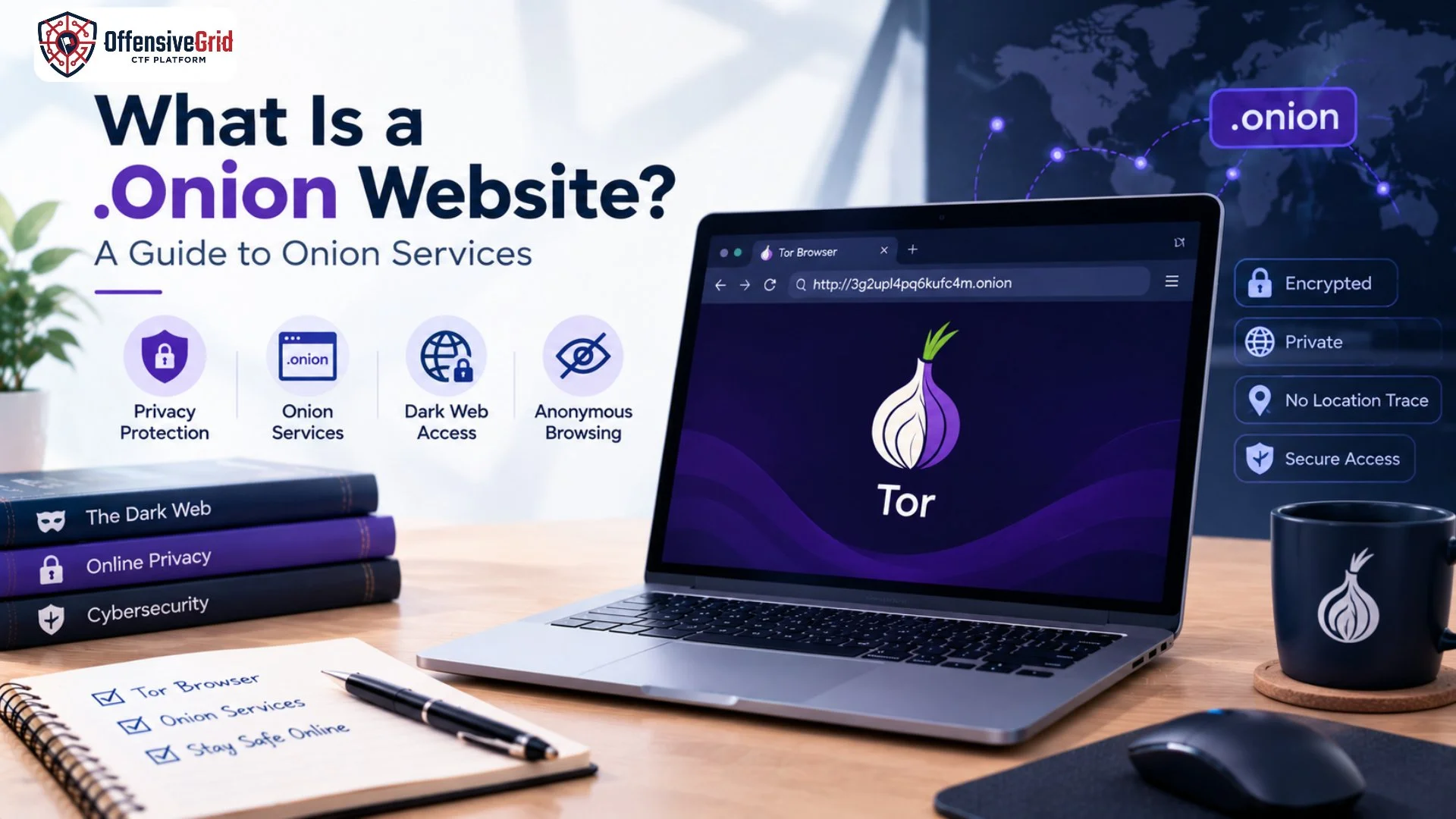
If you want to understand onion services in more detail, read What Is a .onion Website?
What Are the Main Risks of Tor Browser?
Although Tor Browser provides meaningful privacy protections, users should understand its limitations before relying on it.
1. It Does Not Guarantee Complete Anonymity
Tor makes certain forms of tracking more difficult, but it cannot guarantee that your identity will remain hidden in every situation.
For example, signing in to a personal account, entering your real name, or sharing your phone number can identify you to a website even when you use Tor. Your browsing habits and actions may also reveal information about you.
The Tor Project emphasizes that users must be careful about the personal information they provide through websites. <Cite refs={[“turn384073search0”]}/>
2. Malicious Websites Can Still Be Dangerous
Tor Browser does not automatically block every malicious website. Users may still encounter phishing pages, fraudulent offers, deceptive login forms, or websites designed to steal sensitive information.
A website does not become trustworthy simply because it uses Tor or has a .onion address.
Avoid unfamiliar downloads, suspicious payment requests, and websites that pressure you to disclose passwords, financial details, or personal information.
3. Downloaded Files May Create Security Risks
Files downloaded through Tor can introduce risks if opened carelessly. Some documents may load external internet resources when opened in another application, potentially exposing information about the user’s network connection.
The Tor Project advises caution when opening documents downloaded through Tor, particularly when they are opened in external applications. <Cite refs={[“turn384073search0”]}/>
Only download files from trusted sources. Keep your security software updated, and do not open unexpected documents simply because they appear relevant to your research.
4. Your Network May Still Detect Tor Usage
Tor helps protect the destinations you visit from certain network observers, but your internet service provider or local network administrator may still be able to detect that you are connecting to the Tor network.
This does not necessarily reveal the websites you visit through Tor, but it means Tor usage itself may not be hidden. In environments where using Tor could create personal or professional risks, users should understand their local circumstances before connecting. <Cite refs={[“turn384073search0″,”turn384073search4”]}/>
5. Some Websites May Block or Restrict Access
Some websites restrict connections from Tor exit nodes because of spam, automated abuse, or fraud concerns. As a result, you may encounter CAPTCHAs, login restrictions, slower page loading, or access-denied messages. These limitations can make everyday browsing less convenient than using a conventional browser.
What Are the Limitations of Tor Browser?
Understanding the limitations of Tor Browser helps users choose the right privacy tools for their needs.
Slower Internet Speeds
Because traffic passes through multiple relays, browsing through Tor can be slower than a direct internet connection. The actual speed depends on network conditions, relay performance, and the website being accessed.
It Does Not Protect Every Application
Tor Browser routes the traffic handled by the browser through the Tor network. It does not automatically route all traffic from other applications on your computer through Tor.
For example, using another browser or an unrelated application does not automatically provide the same privacy protections. <Cite refs={[“turn384073search0″,”turn384073search4”]}/>
HTTPS Is Still Important
Tor provides encryption within its network, but when visiting regular websites, the protection of the connection between the exit relay and the destination depends on the website’s connection security.
Use HTTPS websites when available, verify the domain before entering sensitive information, and pay attention to browser security warnings.
How to Use Tor Browser More Safely
Following a few practical precautions can help reduce common risks.
1. Download Tor Browser From the Official Website
Get the browser directly from the official Tor Project website. Avoid unofficial installers, suspicious download links, and modified versions from unknown sources.
2. Keep Tor Browser Updated
Install updates when they become available. Updates can include security fixes and improvements to privacy protections.
3. Avoid Installing Extra Extensions
Additional browser extensions can change browser behavior, introduce security vulnerabilities, or make your browser easier to identify. Use the browser’s built-in privacy features instead of adding unnecessary plugins. <Cite refs={[“turn384073search0″,”turn384073search6”]}/>
4. Do Not Share Identifying Information Unnecessarily
Avoid entering your real name, personal email address, phone number, or other identifying details when your goal is anonymous browsing. Remember that logging in to a personal account can connect your activity to your identity.
5. Be Careful With Downloads and Links
Do not open suspicious files or follow unfamiliar links. Verify onion addresses through trustworthy sources, and never assume that a website is legitimate simply because it is accessible through Tor.
6. Choose Appropriate Security Settings
Tor Browser provides security levels that can disable certain website features to reduce potential risks. Higher security settings may make some websites work incorrectly, so choose a level that suits your needs and threat model. <Cite refs={[“turn384073search11”]}/>
For additional guidance on Tor’s purpose and privacy features, explore What Is Tor Browser Used For?
Frequently Asked Questions
Is Tor Browser safe for everyday browsing?
Tor Browser can be used for legitimate everyday browsing, but it may be slower than conventional browsers, and some websites may restrict access. Whether it suits you depends on your privacy needs and browsing habits.
Can Tor Browser protect me from hackers?
Tor can help protect your browsing privacy, but it is not a complete cybersecurity solution. It does not eliminate risks from phishing, malicious files, compromised devices, weak passwords, or unsafe online behavior.
Is Tor Browser illegal?
Tor Browser is a legitimate privacy tool. However, laws and restrictions vary by jurisdiction, and the legality of specific activities depends on the applicable law and what the user does online.
Does Tor Browser hide my IP address?
When configured and used correctly, Tor Browser generally prevents websites from seeing your original public IP address. However, mistakes, identifying account activity, or other security issues can still compromise privacy.
Should I use a VPN with Tor Browser?
A VPN is not automatically necessary when using Tor. Combining a VPN with Tor changes which parties can observe parts of your connection and can introduce additional configuration or trust considerations. Choose a setup based on your specific privacy needs rather than assuming that adding more tools always provides better protection.
Conclusion
So, is Tor Browser safe? It is a well-established privacy tool that can reduce tracking and help protect the identity and location information exposed during browsing. However, it cannot guarantee complete anonymity or protect users from every online threat. To use Tor Browser more safely, download it from the official Tor Project website, keep it updated, avoid unnecessary extensions, verify website addresses, and handle downloaded files carefully. Most importantly, understand that privacy technology works best when combined with sensible security practices. Tor Browser can be a valuable part of a privacy strategy, but it should never replace cybersecurity awareness.