
Learning web application security becomes much more effective when you can practice finding vulnerabilities in a safe and controlled environment. A web app pentest lab with flags combines web application penetration testing with Capture the Flag (CTF)-style challenges, allowing learners to identify weaknesses, exploit vulnerabilities, and discover hidden flags.
Instead of testing real websites without permission, a pentest lab provides an authorized environment where security concepts can be explored safely. These labs are useful for cybersecurity students, ethical hackers, penetration testers, and security professionals who want to strengthen their practical skills.
What Is a Web App Pentest Lab?
A web app pentest lab is a controlled environment designed to simulate vulnerable web applications. These applications may contain security weaknesses similar to those encountered during authorized penetration tests.
A typical lab can include:
- Vulnerable login pages
- Authentication weaknesses
- Broken access control
- SQL injection
- Cross-site scripting (XSS)
- File upload vulnerabilities
- Insecure APIs
- Session management issues
- Security misconfigurations
- Business logic flaws
The goal is not simply to identify a vulnerability. In a web app pentest lab with flags, users usually need to investigate the application, understand the vulnerability, and complete a specific challenge to locate a hidden flag.
What Are Flags in Pentest Labs?
A flag is usually a hidden string, token, or piece of text placed inside a cybersecurity challenge. Finding the flag provides evidence that a particular challenge has been successfully completed. For example, a lab may contain a vulnerable web page where a flag is hidden behind an authorization weakness. The learner must understand how access control works, identify the flaw, and access the intended challenge location. Flags can be hidden in different places, including:
Web Pages
A flag may be located inside a page that is not directly linked from the main website.
Application Responses
Sometimes information returned by the application can provide clues about where a flag is stored.
Database Records
A vulnerable application may contain challenge data in a database. Identifying how the application interacts with that database can be part of the exercise.
Files and Directories
A challenge may require discovering an accessible file, directory, backup file, or configuration location. The exact challenge depends on the lab, but the objective is always to practice security concepts within an authorized environment.
How Does a Web App Pentest Lab Work?
A typical web app pentest lab with flags follows a structured process.
Reconnaissance
The first stage is understanding the application.
You may examine:
- Available pages
- Login functionality
- Forms
- Parameters
- APIs
- Cookies
- Application behavior
- Visible directories
The purpose is to understand how the application works before testing its security.
Identify the Attack Surface
The attack surface includes the parts of an application that accept input or perform important functions.
For example, an application may have:
- Login forms
- Search fields
- File uploads
- User profiles
- Product pages
- API endpoints
- Administrative functions
Mapping these areas helps organize the testing process.
Find Potential Vulnerabilities
After understanding the application, the next step is looking for security weaknesses.
For example, a tester may investigate whether:
- Users can access resources belonging to other accounts.
- Input is safely handled.
- Authentication controls work correctly.
- Uploaded files are properly validated.
- Sensitive information is exposed.
- API endpoints enforce authorization.
At this stage, the goal is to understand the application’s behavior rather than blindly trying random attacks.
Exploit the Vulnerability in the Lab
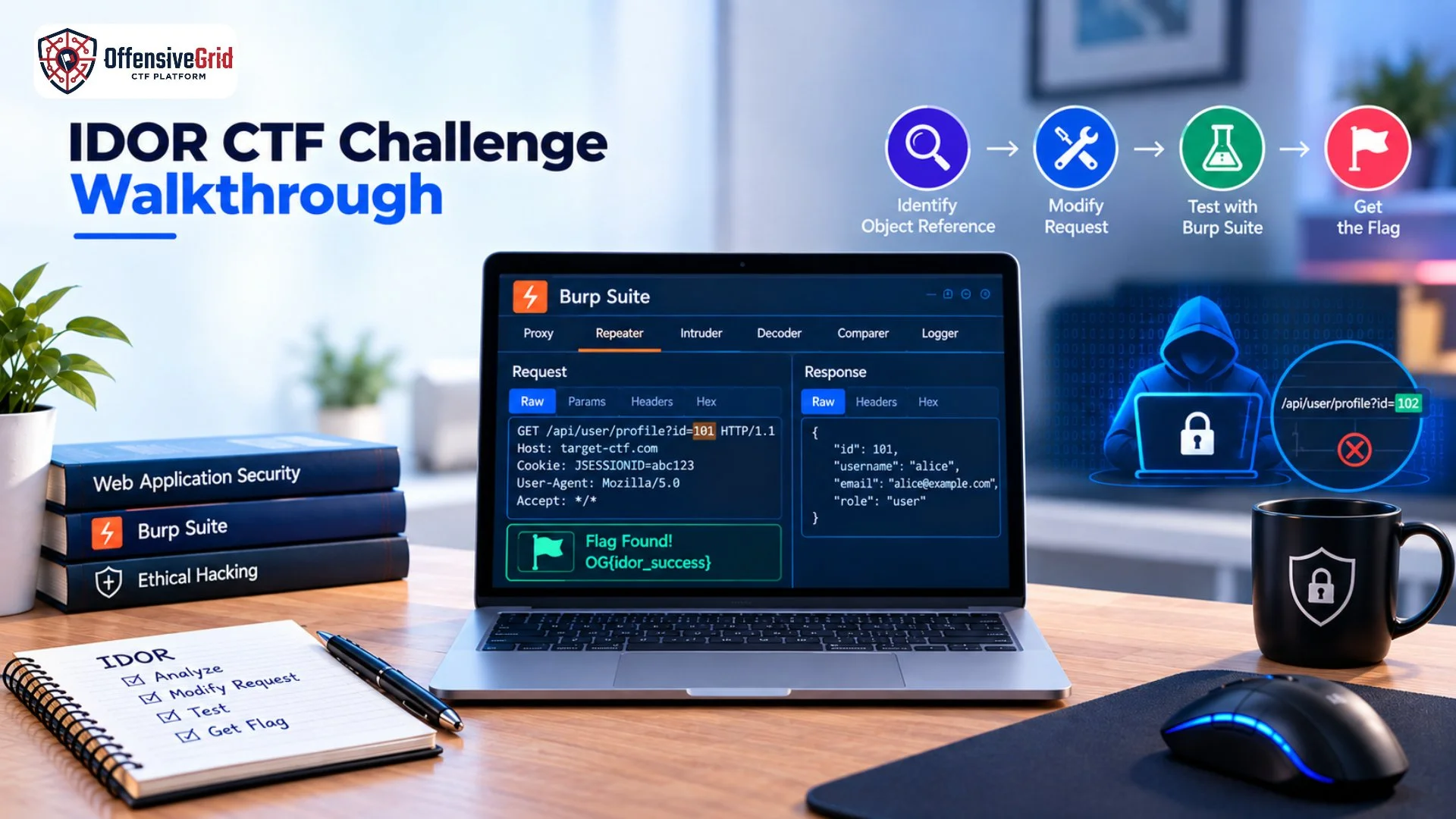
If a potential weakness is identified, the lab may provide a controlled opportunity to demonstrate its impact. For example, a challenge might require exploiting a broken access control condition to reach a restricted page containing a flag. Because the environment is specifically designed for security practice, these activities can be performed without affecting real users or systems.
Capture the Flag
After completing the challenge, the learner finds the flag. The flag confirms that the challenge objective has been completed and can also be used by training platforms to track progress.
Common Web Vulnerabilities in Pentest Labs
A good web application security lab may contain multiple vulnerability categories.
SQL Injection
SQL injection can occur when untrusted input is incorporated into database queries without appropriate safeguards. A lab may create a controlled challenge where the learner must identify unsafe input handling and understand how database queries can be affected.
Cross-Site Scripting
Cross-Site Scripting (XSS) involves situations where untrusted content is interpreted as executable browser-side code. Labs can demonstrate how input handling and output encoding affect application security.
Broken Access Control
A challenge may provide multiple user accounts with different permissions. The objective could involve identifying whether authorization checks properly restrict access to protected resources.
Authentication Weaknesses
Authentication challenges can demonstrate problems involving weak login controls, session management, password handling, or account recovery processes.
File Upload Issues
Some labs contain file upload functionality that is intentionally insecure. The challenge can help learners understand why file validation, storage controls, and execution restrictions matter.
Tools Commonly Used in Web App Pentest Labs
Practical labs can also introduce learners to commonly used web security tools.
Burp Suite
Burp Suite is widely used for intercepting and analyzing HTTP requests and responses during authorized web application security testing.
Browser Developer Tools
Built-in browser tools can help inspect requests, cookies, storage, JavaScript behavior, and application responses.
Nmap
Nmap can be useful in authorized lab environments for discovering services and understanding the exposed infrastructure around a target.
Command-Line Tools
Tools such as curl can help testers understand how web servers respond to different HTTP requests. The important part is not simply learning the tools. Understanding why a request works and what security weakness it demonstrates is more valuable for long-term skill development.
How to Approach a Web App Pentest Lab With Flags
A structured approach can make challenges easier to understand.
Start by reading the challenge description carefully. Identify what functionality is available and what the objective appears to be.
Next, map the application and record useful observations. Look at URLs, parameters, forms, cookies, API endpoints, and user roles.
Then, create hypotheses about possible vulnerabilities and test them systematically.
When you find a vulnerability, try to understand its root cause and security impact. Finally, locate the flag and document how the challenge was solved.
This approach is more useful than relying entirely on automated tools because it develops problem-solving and analytical skills.
Practice Web Security Through CTF Challenges
CTF-style exercises are particularly useful for developing practical cybersecurity skills because they turn security concepts into structured challenges.
If you are interested in expanding your practical training, our guide on beginner cybersecurity CTF challenges explains different types of CTF exercises and how they can support cybersecurity learning.
A web application CTF may require participants to investigate authentication, access control, input validation, APIs, source code, or application logic before finding the flag.
Why Use a Web App Pentest Lab?
A controlled lab provides several advantages for security training.
Safe Practice
You can experiment without targeting real organizations, customers, or production systems.
Practical Learning
Labs demonstrate how vulnerabilities behave in real applications instead of relying only on theoretical explanations.
Structured Challenges
Flags provide clear objectives and measurable progress.
Problem-Solving Skills
Challenges encourage learners to analyze application behavior and develop their own testing methodology.
Penetration Testing Experience
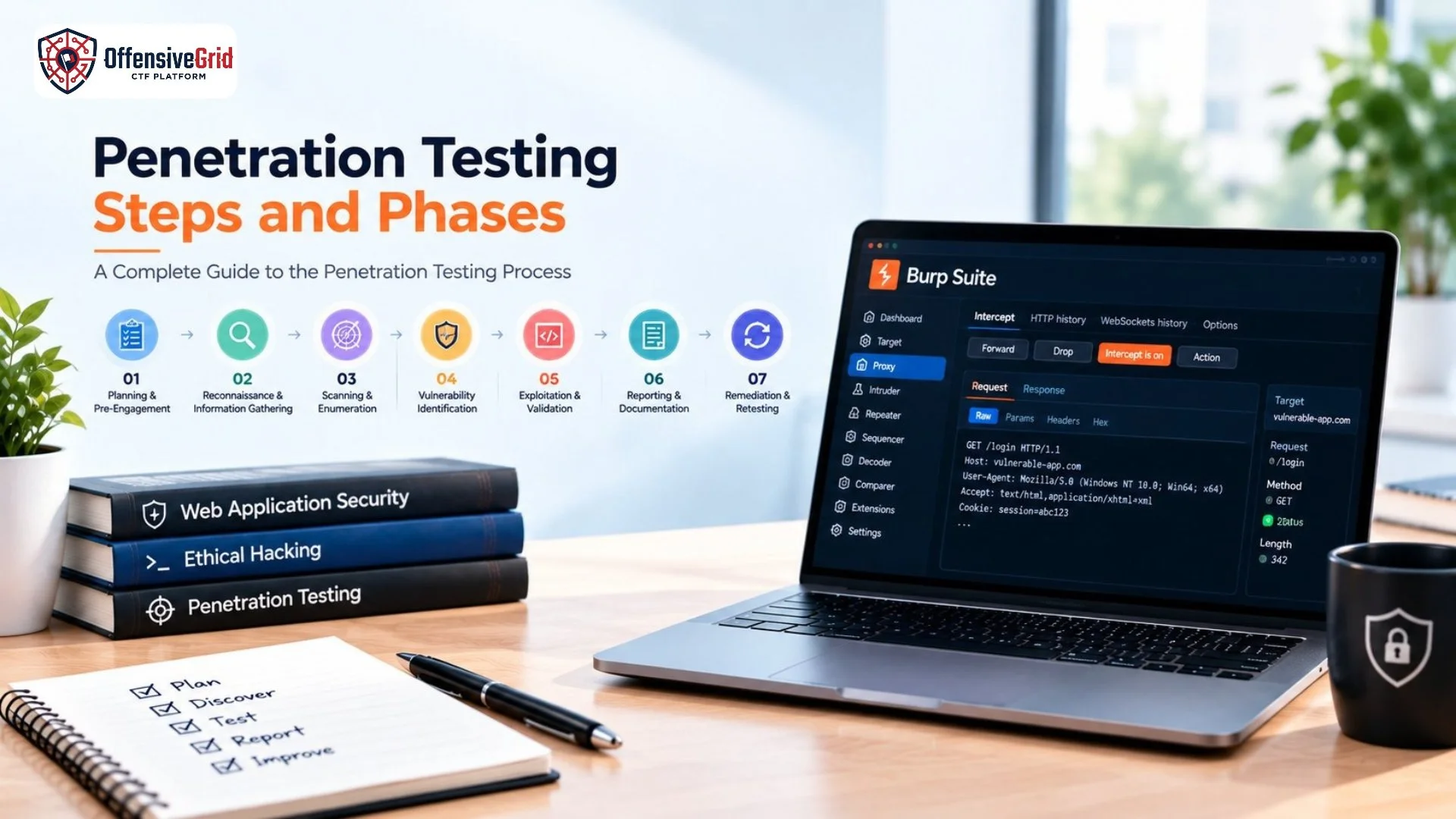
Repeated practice can help learners become more comfortable with reconnaissance, vulnerability identification, exploitation, evidence collection, and reporting. For a broader understanding of application security testing, you can also explore our guide on web application penetration testing for beginners.
Best Practices for Web App Pentest Lab Training
To get more value from a lab, follow a structured methodology.
Understand before exploiting: Learn how the vulnerable feature works before attempting to exploit it.
Take notes: Record endpoints, parameters, observations, vulnerabilities, and successful techniques.
Use manual testing: Automated scanners can be useful, but manual analysis is essential for understanding application logic.
Review the root cause: Do not stop after finding a flag. Understand why the vulnerability existed.
Document your findings: Write down the vulnerability, impact, evidence, and recommended security control.
Stay authorized: Only test applications and systems where you have explicit permission.
Frequently Asked Questions
What is a web app pentest lab with flags?
It is a controlled web security environment where participants test intentionally vulnerable applications and complete challenges to discover hidden flags.
Are web app pentest labs safe?
Yes, when they are specifically designed for security training and used as authorized environments. Testing real websites without permission is different and may be unlawful or harmful.
What vulnerabilities can be practiced in web app labs?
Common exercises include SQL injection, XSS, broken access control, authentication weaknesses, insecure file uploads, security misconfiguration, API vulnerabilities, and business logic issues.
Do I need programming knowledge for web application labs?
Basic programming knowledge is helpful, but you can begin by understanding HTTP, web applications, requests, responses, parameters, authentication, and databases.
Conclusion
A web app pentest lab with flags provides a practical way to develop web application security and penetration testing skills. By working with intentionally vulnerable applications, learners can explore vulnerabilities such as SQL injection, XSS, broken access control, authentication weaknesses, and insecure file handling in a controlled environment. The combination of vulnerability discovery and flag-based challenges makes security practice more structured and measurable. Instead of only reading about vulnerabilities, you can investigate application behavior, identify weaknesses, understand their impact, and document your findings. For anyone developing practical web security skills, authorized pentest labs and CTF environments can provide valuable hands-on experience while keeping testing safe and controlled.