Web applications handle sensitive information, user accounts, payments, business operations, and other critical services. As applications become more complex, security weaknesses can create serious risks for organizations and users. The OWASP Top 10 explained with examples, provides a practical way to understand some of the most important security risks affecting modern web applications.
The current OWASP Top 10:2025 is a standard awareness document for developers and web application security professionals. It identifies ten major application security risk categories and reflects updated data and security trends.
What Is the OWASP Top 10?
OWASP stands for Open Web Application Security Project. It is an open community focused on improving application and API security through research, standards, tools, documentation, training, and other freely available resources.
The OWASP Top 10 is designed to increase awareness of important web application security risks. It can help developers, security teams, penetration testers, and organizations identify areas that require attention.
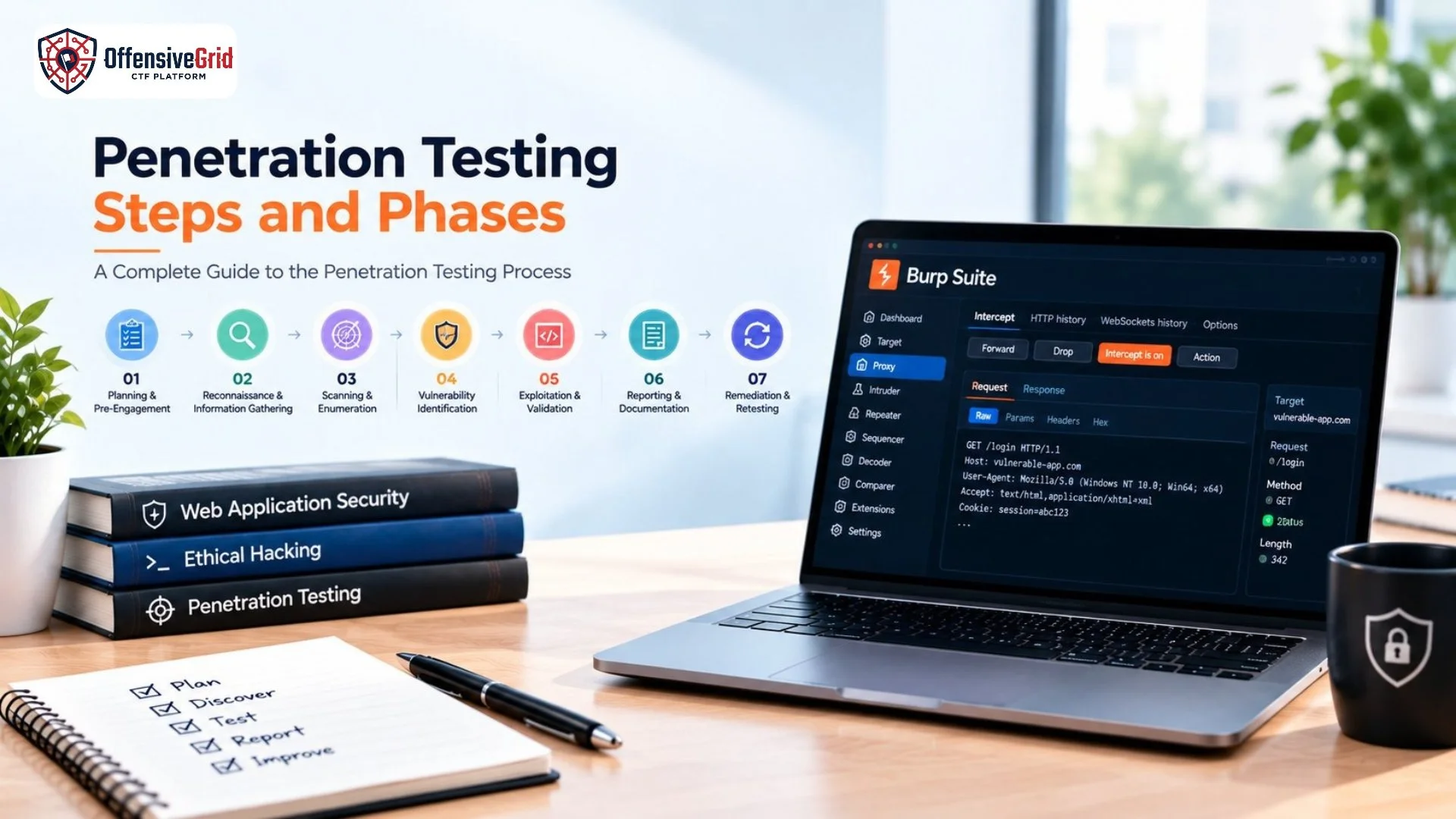
If you are exploring application security testing, our guide on web application penetration testing for beginners covers the fundamentals of testing web applications and identifying security weaknesses.
OWASP Top 10 Explained With Examples
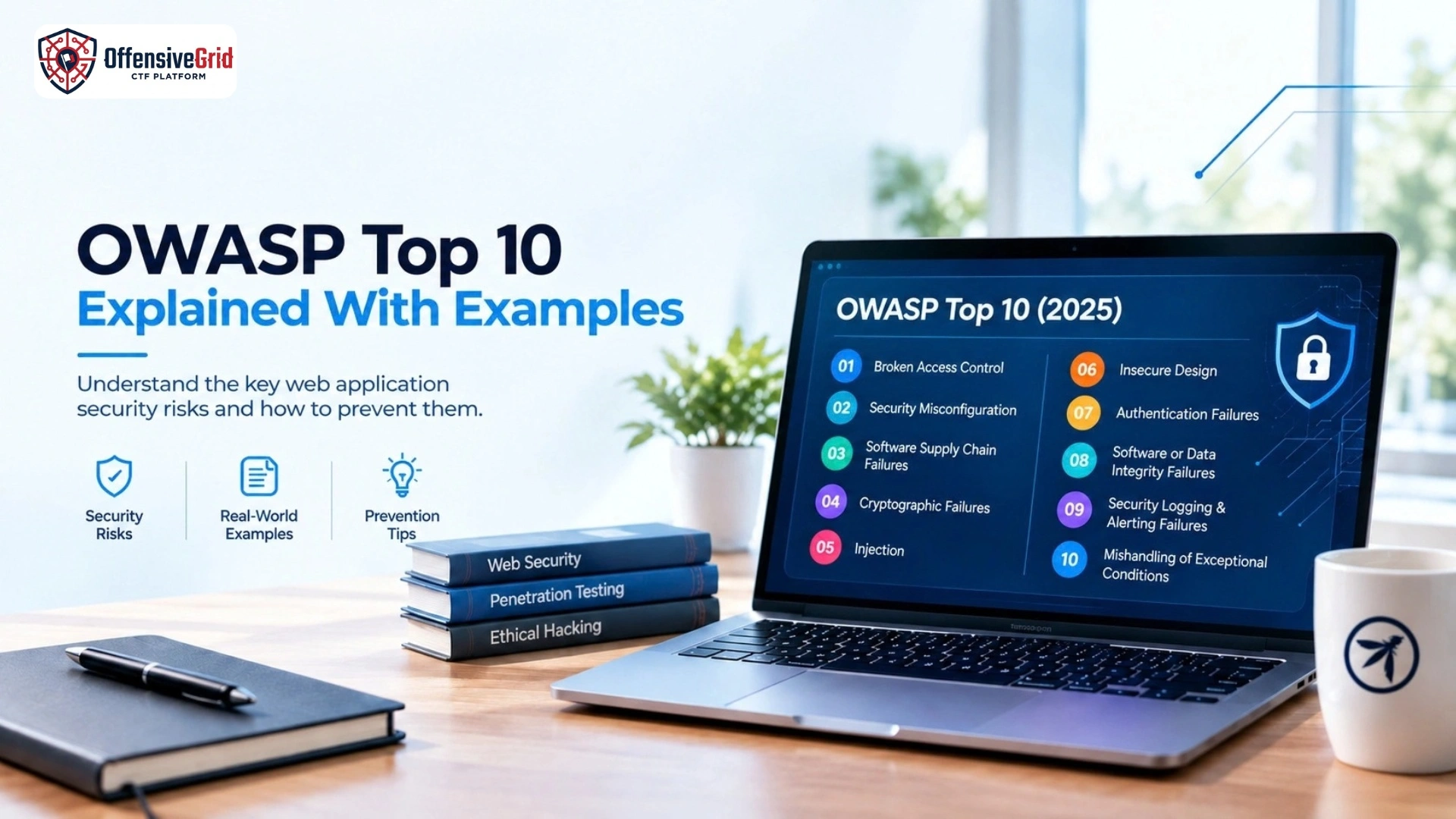
The OWASP Top 10:2025 includes these ten categories:
- Broken Access Control
- Security Misconfiguration
- Software Supply Chain Failures
- Cryptographic Failures
- Injection
- Insecure Design
- Authentication Failures
- Software or Data Integrity Failures
- Security Logging & Alerting Failures
- Mishandling of Exceptional Conditions
Let’s examine each category with a simple example.
A01:2025 – Broken Access Control
Broken Access Control occurs when an application does not properly enforce permissions and allows users to perform actions outside their authorized access.
Example:
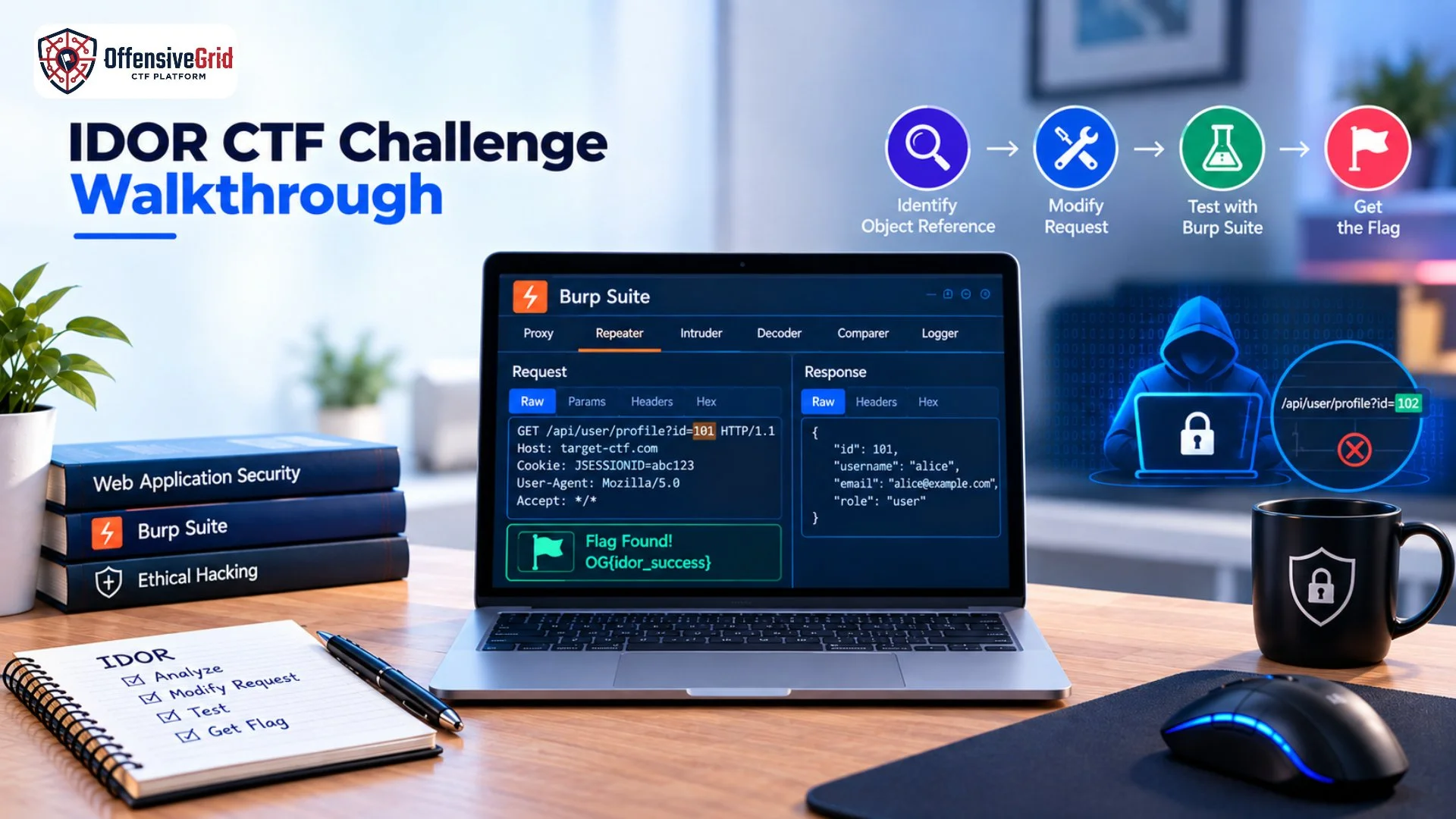
Imagine an online shopping application where customers can view their own order details. If changing an order ID in a request allows one customer to access another customer’s private order information, the application may have an access control weakness.
How to reduce the risk:
- Enforce authorization on the server side.
- Verify permissions for sensitive requests.
- Apply the principle of least privilege.
- Test different user roles and access levels.
Broken Access Control remains the first category in the 2025 OWASP Top 10.
A02:2025 – Security Misconfiguration
Security Misconfiguration occurs when applications, servers, cloud environments, or security settings are configured incorrectly.
Example:
A production website may expose an unnecessary administrative interface, retain default settings, enable unused services, or reveal detailed technical information through error messages.
How to prevent it:
- Use secure configuration settings.
- Disable unnecessary features and services.
- Remove default accounts and credentials.
- Regularly review server and application configurations.
- Keep security settings consistent across environments.
A03:2025 – Software Supply Chain Failures
Modern applications depend on external libraries, packages, frameworks, plugins, development tools, and other components. Security problems within this software ecosystem can affect applications that depend on it.
Example:
An application uses a third-party package that has been compromised or receives a malicious update. If the application automatically trusts and deploys that component, the security problem may enter the application’s environment.
How to reduce the risk:
- Maintain an inventory of dependencies.
- Use trusted software repositories.
- Monitor third-party components.
- Review dependencies before deployment.
- Secure software build and update processes.
In the 2025 release, this category expands beyond outdated components to cover broader risks across software dependencies, build systems, and distribution infrastructure.
A04:2025 – Cryptographic Failures
Cryptographic Failures occur when sensitive information is not adequately protected through appropriate cryptographic controls.
Example:
A web application stores sensitive information without suitable protection. If an attacker gains access to the underlying data, exposed information could create privacy or security problems.
How to improve security:
- Protect sensitive data using appropriate encryption.
- Use modern and secure cryptographic algorithms.
- Protect encryption keys.
- Avoid unnecessary storage of sensitive information.
- Secure data during transmission and storage.
A05:2025 – Injection
Injection occurs when untrusted input is interpreted as part of a command or query instead of being safely handled as data.
Common examples include SQL injection and other types of injection attacks.
Example:
A web application inserts user-controlled input directly into a database query without appropriate safeguards. Specially crafted input could change how the database interprets the query.
How to prevent it:
- Use parameterized queries.
- Apply appropriate input validation.
- Use secure coding practices.
- Properly encode output where required.
- Avoid constructing commands or queries from untrusted input.
Injection remains an important application security concern and includes multiple types of weaknesses.
A06:2025 – Insecure Design
Insecure Design refers to security weaknesses created by flaws in application architecture, business logic, workflows, or security requirements.
Example:
An online service allows users to repeatedly perform a sensitive action without appropriate verification, limits, or business rules. The weakness may exist in the application’s design rather than in a single coding error.
How to prevent it:
- Perform threat modeling.
- Define security requirements before development.
- Consider abuse cases and unusual workflows.
- Design appropriate security controls.
- Review business logic for potential misuse.
Security should be considered during the design stage rather than added only after development.
A07:2025 – Authentication Failures
Authentication Failures occur when an application does not properly verify user identities or manage authentication-related processes.
Example:
A website uses weak authentication controls, inadequate session management, or insufficient protection against automated login attempts. These weaknesses can increase the risk of unauthorized account access.
Security measures include:
- Strong authentication mechanisms
- Multi-factor authentication
- Secure session management
- Strong password protection
- Protection against automated attacks
- Appropriate account recovery controls
If you want to develop practical security skills, our guide on how to learn ethical hacking practically provides a structured approach to hands-on cybersecurity learning.
A08:2025 – Software or Data Integrity Failures
This category focuses on situations where software, code, or data is trusted without adequately verifying its integrity.
Example:
An application downloads an update or external component without properly verifying its source or integrity. If the update has been modified or compromised, the application may execute or trust unsafe content.
How to reduce the risk:
- Use trusted software sources.
- Verify software and data integrity.
- Protect update mechanisms.
- Establish clear trust boundaries.
- Secure development and deployment pipelines.
A09:2025 – Security Logging & Alerting Failures
Security logging and alerting are important for detecting suspicious activity and supporting incident response.
Example:
A website experiences repeated suspicious login attempts, but important authentication events are not properly logged, or security alerts are not generated. Security teams may then have limited visibility into the activity.
How to improve security:
- Log important security events.
- Protect log information from unauthorized access.
- Monitor suspicious activities.
- Configure meaningful security alerts.
- Regularly review security logs.
OWASP’s 2025 terminology emphasizes both logging and alerting because collecting logs without generating useful alerts may limit an organization’s ability to respond to security incidents.
A10:2025 – Mishandling of Exceptional Conditions
Mishandling of Exceptional Conditions is a new category in the OWASP Top 10:2025. It focuses on problems involving improper error handling, logical errors, failing open, and other weaknesses that can occur when applications encounter abnormal conditions.
Example:
An application encounters an unexpected error and responds by exposing sensitive technical information or entering an insecure state.
How to prevent it:
- Handle errors securely.
- Avoid exposing sensitive technical details.
- Test unexpected application states.
- Use secure fallback behavior.
- Monitor important failures.
- Ensure security controls remain active during errors.
Applications should be designed to fail securely rather than exposing sensitive information or bypassing security controls.
Why Is the OWASP Top 10 Important?
The OWASP Top 10 provides a common security awareness framework for understanding important web application risks. It can support security education, development discussions, application reviews, and security testing. However, the OWASP Top 10 is not a complete penetration testing checklist. OWASP itself describes it as an awareness document and a starting point rather than a comprehensive list of every application security risk. For broader application security verification, OWASP also recommends resources such as the Application Security Verification Standard (ASVS). This distinction is important when planning a professional web application security assessment.
How to Learn the OWASP Top 10 Practically
Understanding security concepts becomes more useful when combined with controlled hands-on practice. A practical learning path can include:
- Learn networking fundamentals.
- Understand HTTP, cookies, sessions, and APIs.
- Learn how web applications and databases work.
- Study the OWASP Top 10 categories.
- Practice with intentionally vulnerable applications.
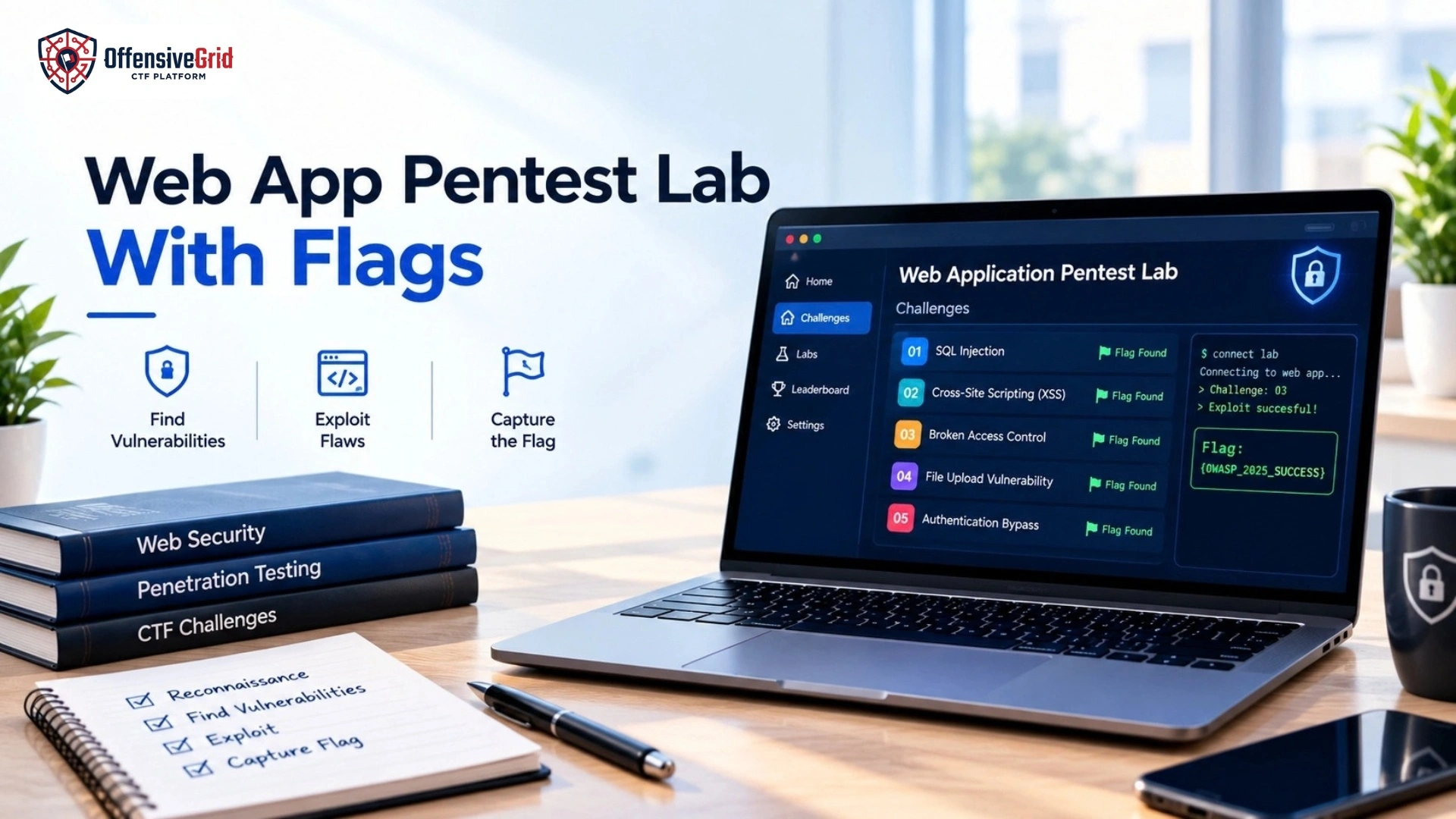
- Work through CTF challenges and authorized cyber ranges.
- Learn how to document and communicate security findings.
Hands-on practice helps connect security concepts with real application behavior.
Practice OWASP Top 10 in Safe Environments
Application security testing should always be performed in environments where you have explicit authorization. Suitable practice environments include:
- Intentionally vulnerable applications
- Cybersecurity laboratories
- CTF challenges
- Private virtual machines
- Authorized penetration testing environments
- Controlled cyber ranges
For additional practical exercises, our guide on beginner cybersecurity CTF challenges explains how CTF activities can be used to develop hands-on cybersecurity skills.
How Offensive Grid Supports Practical Web Security Training
Offensive Grid provides hands-on cybersecurity training through controlled and practical security scenarios. Its training areas include web application security, penetration testing, CTFs, cyber ranges, and other cybersecurity skills. Combining security concepts with practical exercises can help learners understand how application weaknesses occur and how security controls can be applied. Organizations and educational institutions can also use structured cybersecurity training environments to develop practical security capabilities through realistic exercises.
Frequently Asked Questions
What is the OWASP Top 10?
The OWASP Top 10 is a standard awareness document that identifies major security risks affecting web applications. The current release is OWASP Top 10:2025.
What are the OWASP Top 10 categories in 2025?
The 2025 categories are Broken Access Control, Security Misconfiguration, Software Supply Chain Failures, Cryptographic Failures, Injection, Insecure Design, Authentication Failures, Software or Data Integrity Failures, Security Logging & Alerting Failures, and Mishandling of Exceptional Conditions.
Is the OWASP Top 10 enough for penetration testing?
No. The OWASP Top 10 is an awareness document and starting point. Comprehensive application security testing requires broader methodologies and application-specific assessment. OWASP recommends ASVS for more comprehensive verification requirements.
Can OWASP Top 10 risks be practiced safely?
Yes. Security concepts can be practiced using intentionally vulnerable applications, authorized laboratories, CTF challenges, private environments, and controlled cyber ranges.
Conclusion
The OWASP Top 10 explained with examples provides a practical overview of major web application security risks. The current 2025 release covers ten categories ranging from Broken Access Control and Security Misconfiguration to Injection, Authentication Failures, Software Supply Chain Failures, and Mishandling of Exceptional Conditions. Understanding these categories is useful for developers, security professionals, penetration testers, students, and organizations working to improve application security. The most effective approach is to combine theoretical understanding with authorized hands-on practice. By studying common security risks, testing applications in controlled environments, and learning appropriate defensive techniques, organizations and security professionals can build stronger application security practices.