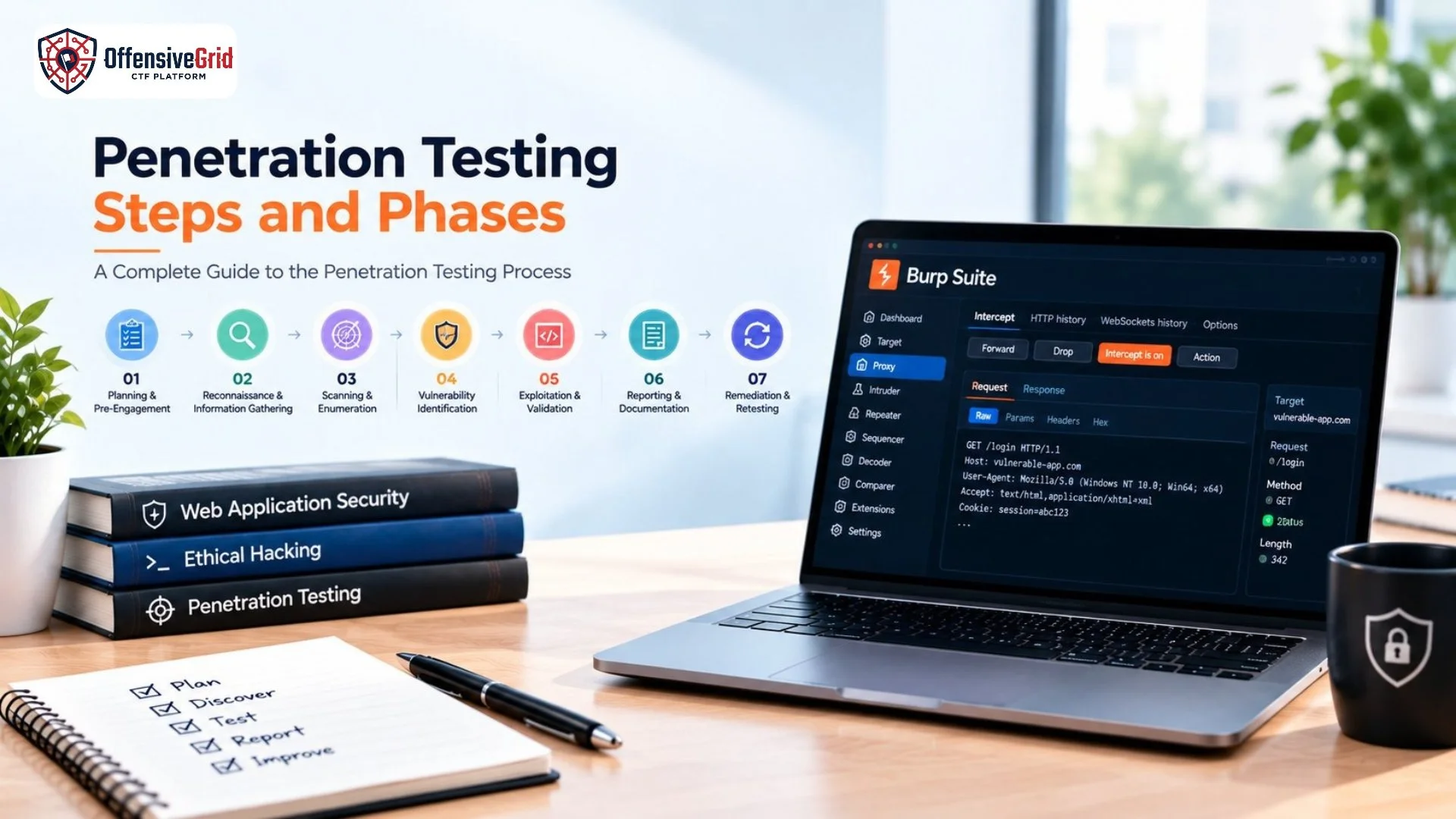

Learning web application penetration testing for beginners is a practical way to understand how websites and web applications can become vulnerable to cyber threats. It combines web technologies, cybersecurity concepts, vulnerability assessment, and hands-on practice to help beginners identify security weaknesses and understand how they can be fixed.
What Is Web Application Penetration Testing?
Web application penetration testing is an authorized security assessment used to identify vulnerabilities in websites, APIs, and web applications. A penetration tester examines areas such as authentication, access control, input validation, session management, and security configurations. The goal is to discover weaknesses before malicious attackers can exploit them.
For beginners, web application penetration testing is a useful entry point into cybersecurity because it combines networking, web technologies, security concepts, and practical problem-solving.
Why Learn Web Application Penetration Testing?
Organizations rely on web applications for everything from customer services to online transactions. A security weakness can expose sensitive information or affect business operations. Learning web application security can help beginners:
- Understand common web vulnerabilities
- Develop practical cybersecurity skills
- Learn how security weaknesses are identified
- Improve vulnerability analysis
- Build penetration testing experience
- Prepare for cybersecurity careers
- Practice security testing safely
The most effective learning approach combines cybersecurity theory with hands-on practice.
What Should Beginners Learn First?
Before moving into penetration testing, beginners should understand the basics of web applications and networking.
Learn Networking Fundamentals
Start with concepts such as:
- IP addresses
- DNS
- TCP/IP
- Ports and protocols
- HTTP and HTTPS
- Client-server communication
Understanding how browsers, servers, and networks communicate makes web security concepts much easier to understand.
Understand How Websites Work
You should also become familiar with:
- HTML and CSS
- JavaScript
- HTTP requests and responses
- Cookies and sessions
- Forms
- APIs
- Databases
You do not need to become an advanced developer, but understanding how applications work will help you recognize where security weaknesses can occur.
OWASP Top 10 for Beginners
The OWASP Top 10 is one of the most useful resources for anyone learning web application security. OWASP is a nonprofit organization focused on improving software security, while the OWASP Top 10 is a standard awareness document covering critical web application security risks.
The current released version is OWASP Top 10:2025. It includes these ten risk categories:
- Broken Access Control
- Security Misconfiguration
- Software Supply Chain Failures
- Cryptographic Failures
- Injection
- Insecure Design
- Authentication Failures
- Software or Data Integrity Failures
- Security Logging and Alerting Failures
- Mishandling of Exceptional Conditions
For beginners, these categories provide a useful roadmap for understanding web application vulnerabilities and security controls. OWASP should be treated as a learning and awareness resource rather than a complete penetration testing checklist.
Common Web Application Vulnerabilities
Broken Access Control
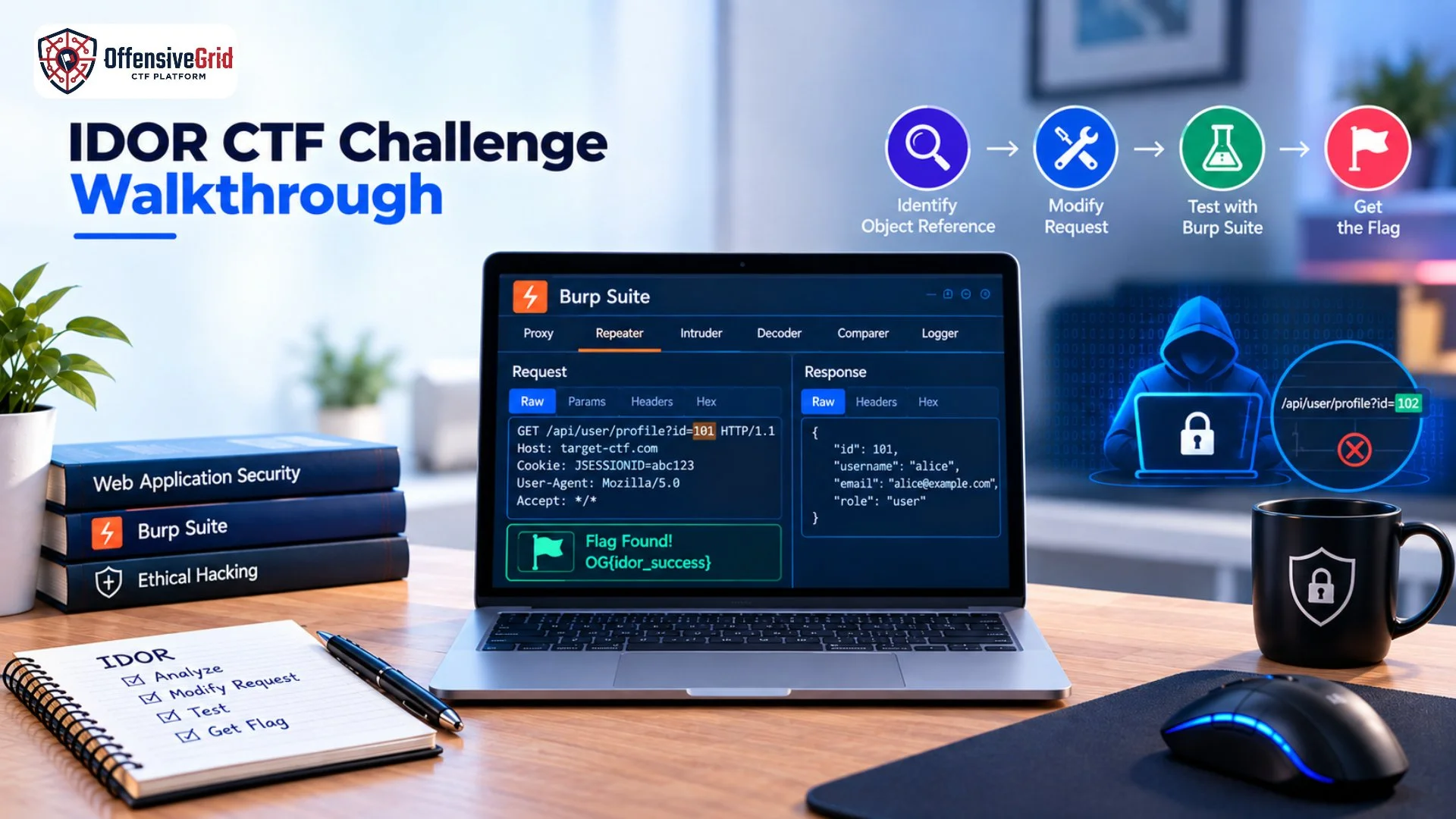
Access control determines what users are allowed to access or perform. Weak access controls can allow users to access information or functions outside their intended permissions.
Injection
Injection vulnerabilities occur when untrusted input is improperly handled by an application. Learning about injection helps beginners understand why input validation and secure data processing are important.
Authentication Failures
Authentication protects user accounts and determines whether someone is actually who they claim to be. Weak authentication mechanisms can create serious security risks.
Security Misconfiguration
Incorrect security settings, unnecessary services, insecure permissions, or exposed configuration information can create vulnerabilities. Proper security hardening is therefore an important part of application security.
Cross-Site Scripting
Cross-Site Scripting, or XSS, involves situations where untrusted content can be interpreted as executable code in a user’s browser. Beginners should understand how input validation and output encoding help prevent these issues.
How to Start Web Application Penetration Testing
A structured learning path can make penetration testing easier for beginners.
Step 1: Learn Web Fundamentals
Understand HTTP, browsers, servers, cookies, sessions, APIs, and basic web technologies.
Step 2: Study OWASP Risks
Use the OWASP Top 10 to build an understanding of common web application security risks and their prevention.
Step 3: Practice in Safe Labs
Use intentionally vulnerable applications, CTF challenges, private labs, and authorized cyber ranges instead of testing real websites without permission.
Step 4: Learn Security Testing Tools
Once you understand the fundamentals, gradually explore tools used for analyzing web traffic, application behavior, vulnerabilities, and security configurations.
Step 5: Learn Reporting
Professional penetration testing is not only about finding vulnerabilities. You should also learn how to document findings, explain their impact, and provide useful remediation recommendations.
Best Ways to Practice Web Application Security
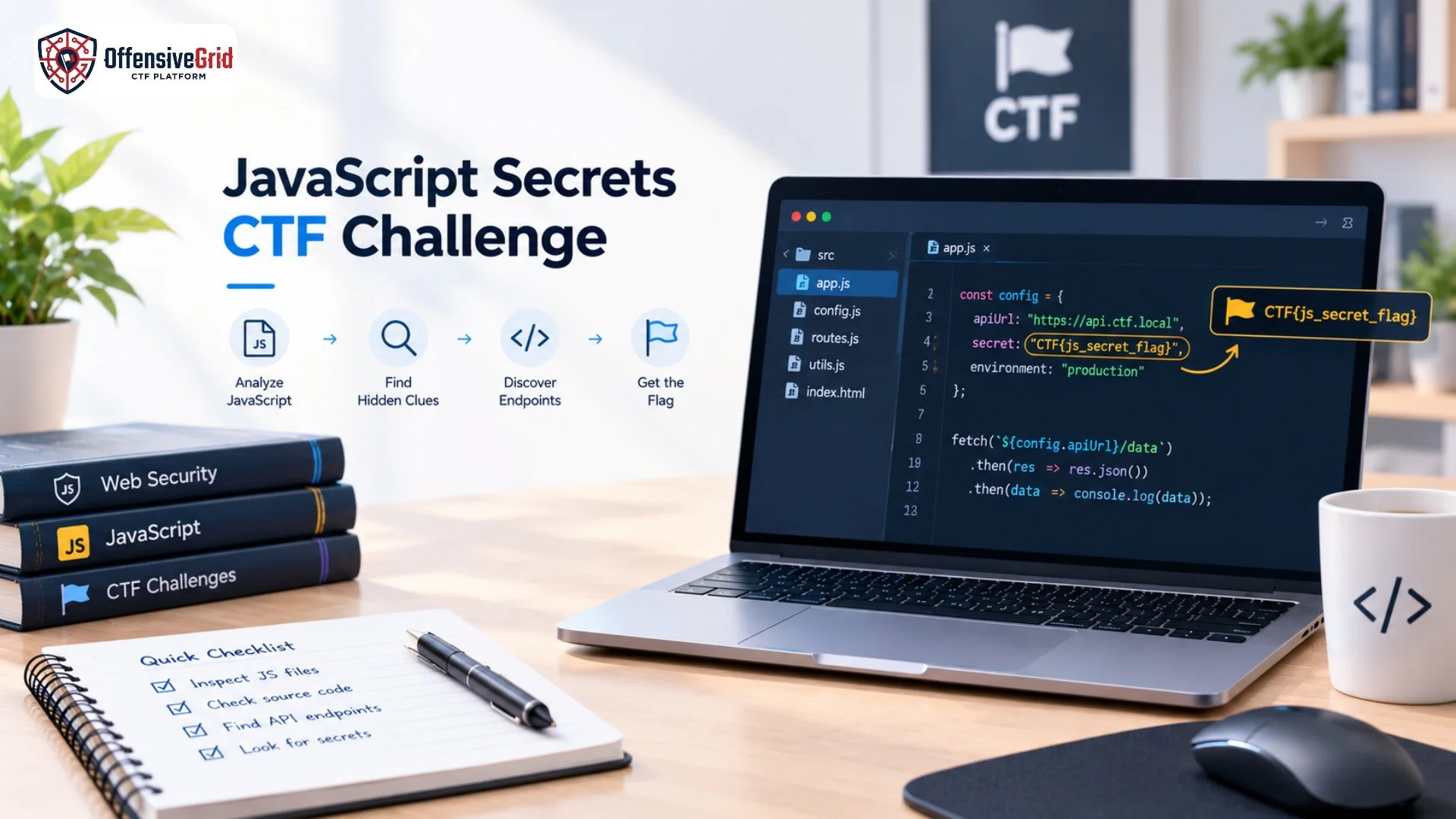
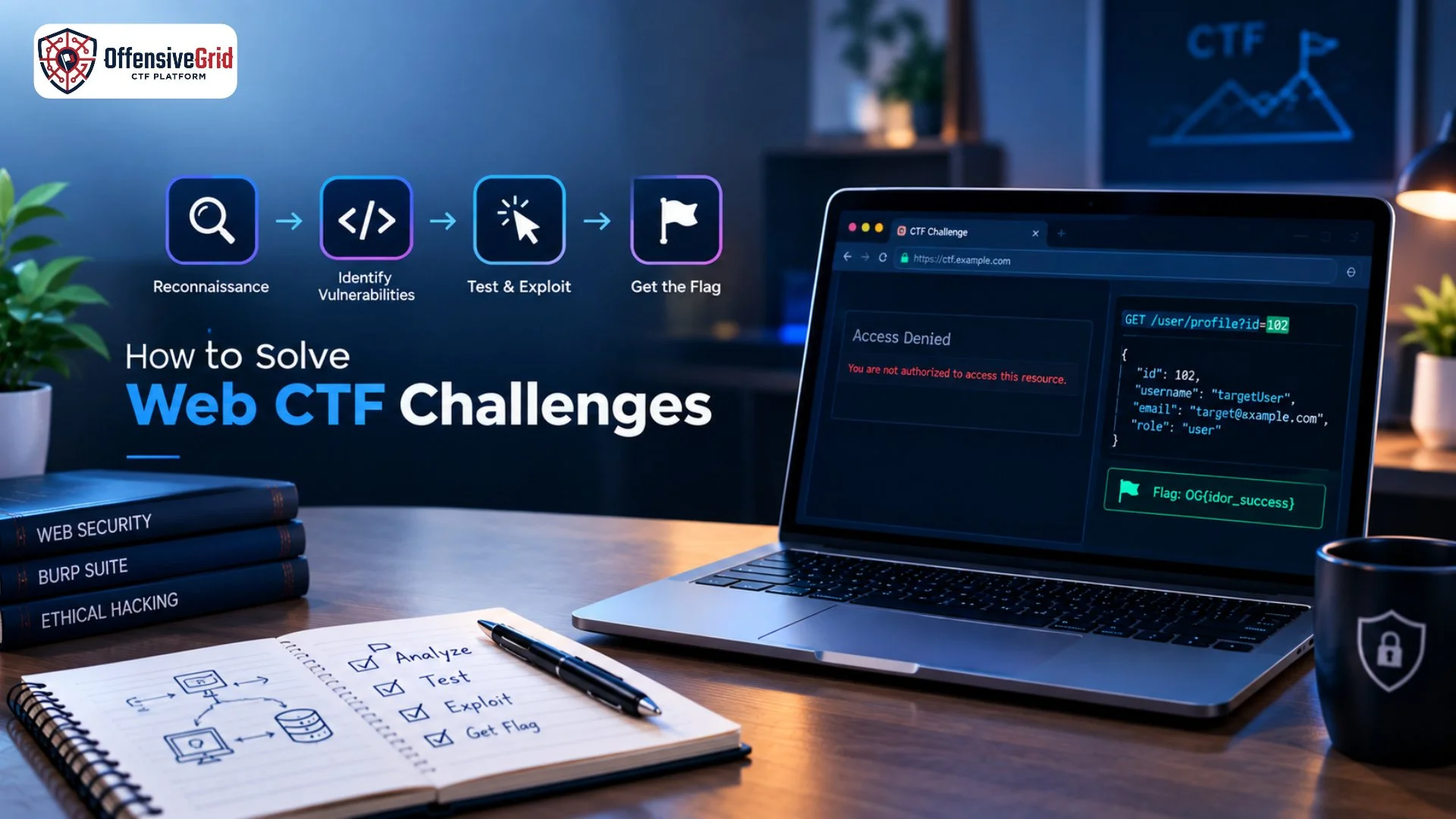
Hands-on labs are one of the best ways to develop practical penetration testing skills. A controlled environment allows beginners to experiment with security concepts without affecting real systems or users. CTF challenges can also make learning more engaging. Beginners can start with simple web security challenges and gradually move toward more complex scenarios. Structured cyber ranges provide another useful option by combining realistic environments with guided exercises and practical security scenarios.
Tools for Web Application Penetration Testing
As you progress, you may encounter tools designed for:
- Intercepting web traffic
- Analyzing HTTP requests and responses
- Discovering application endpoints
- Testing authentication and access controls
- Identifying potential vulnerabilities
- Performing security assessments
Do not focus only on memorizing commands. Understanding why a tool is used and how to interpret its results is more important for developing professional penetration testing skills.
Common Mistakes Beginners Should Avoid
Testing Without Permission
Never test a website, application, API, or server without explicit authorization.
Learning Tools Before Fundamentals
Security tools are much easier to understand when you already know how web applications and networks work.
Ignoring OWASP
OWASP provides an excellent foundation for understanding major web application security risks and should be part of a beginner’s learning path.
Skipping Hands-On Practice
Watching tutorials can introduce concepts, but practical labs are necessary for developing real problem-solving skills.
How Offensive Grid Supports Practical Learning
Practical training becomes more effective when learners can apply concepts in realistic and controlled environments. Offensive Grid provides hands-on cybersecurity training with practical labs and role-based learning designed around real-world security scenarios. Its training ecosystem includes areas such as web application security, network security, Linux, Windows, Active Directory, digital forensics, cloud security, reverse engineering, OSINT, and other cybersecurity domains. For learners interested in penetration testing, structured labs, CTF challenges, and cyber ranges can help transform theoretical knowledge into practical skills while providing a safe environment for experimentation.
Frequently Asked Questions
Is web application penetration testing suitable for beginners?
Yes. Beginners can start with networking, web technologies, OWASP Top 10, and basic security concepts before moving toward practical testing.
Do I need programming skills?
Basic knowledge of HTML, JavaScript, databases, and scripting is helpful, but advanced programming skills are not required to begin learning web application security.
How can I practice safely?
Use intentionally vulnerable applications, CTF platforms, private labs, and authorized cyber ranges. Never test systems without permission.
Is OWASP Top 10 enough to learn penetration testing?
No. OWASP Top 10 is an excellent starting point, but professional penetration testing requires broader knowledge of applications, APIs, authentication, business logic, infrastructure, testing methodology, and reporting.
Conclusion
Web application penetration testing for beginners is an excellent way to build practical cybersecurity skills. Start by learning networking and web fundamentals, study the OWASP Top 10, understand common vulnerabilities, and practice in authorized labs and CTF environments. With consistent hands-on practice, beginners can gradually develop the knowledge and problem-solving skills needed to progress toward professional penetration testing and broader cybersecurity roles.